
Scattered Job Search
I was checking several job boards and company portals to find the same kinds of roles.
I built a desktop application that discovers relevant jobs, tailors my resumes, and tracks my applications in one place.
I built AutoApply to bring job discovery, resume tailoring, and application tracking into one focused desktop workflow.
For every role, I was reopening the same websites, adapting another resume, and updating my tracker by hand. The work around applying was taking more time than deciding which opportunities were actually worth pursuing.
I wanted to stop piecing the process together across job boards, documents, and spreadsheets. AutoApply began as a way to keep that work in one place.
I identified six recurring frustrations in my own job-search workflow.
I was checking several job boards and company portals to find the same kinds of roles.

I repeatedly entered the same information and completed similar steps for every application.

Tailoring my resume for each role is important, but doing it manually made every application slower.

My notes, emails, and spreadsheets did not give me one reliable application history.

It was easy for me to lose track of deadlines, interviews, and recruiter follow-ups.

I could not quickly see my response rate, overall progress, or which approach worked best.
Jobs move from discovery into a single application tracker, so I can review opportunities and update their status without switching between tools.
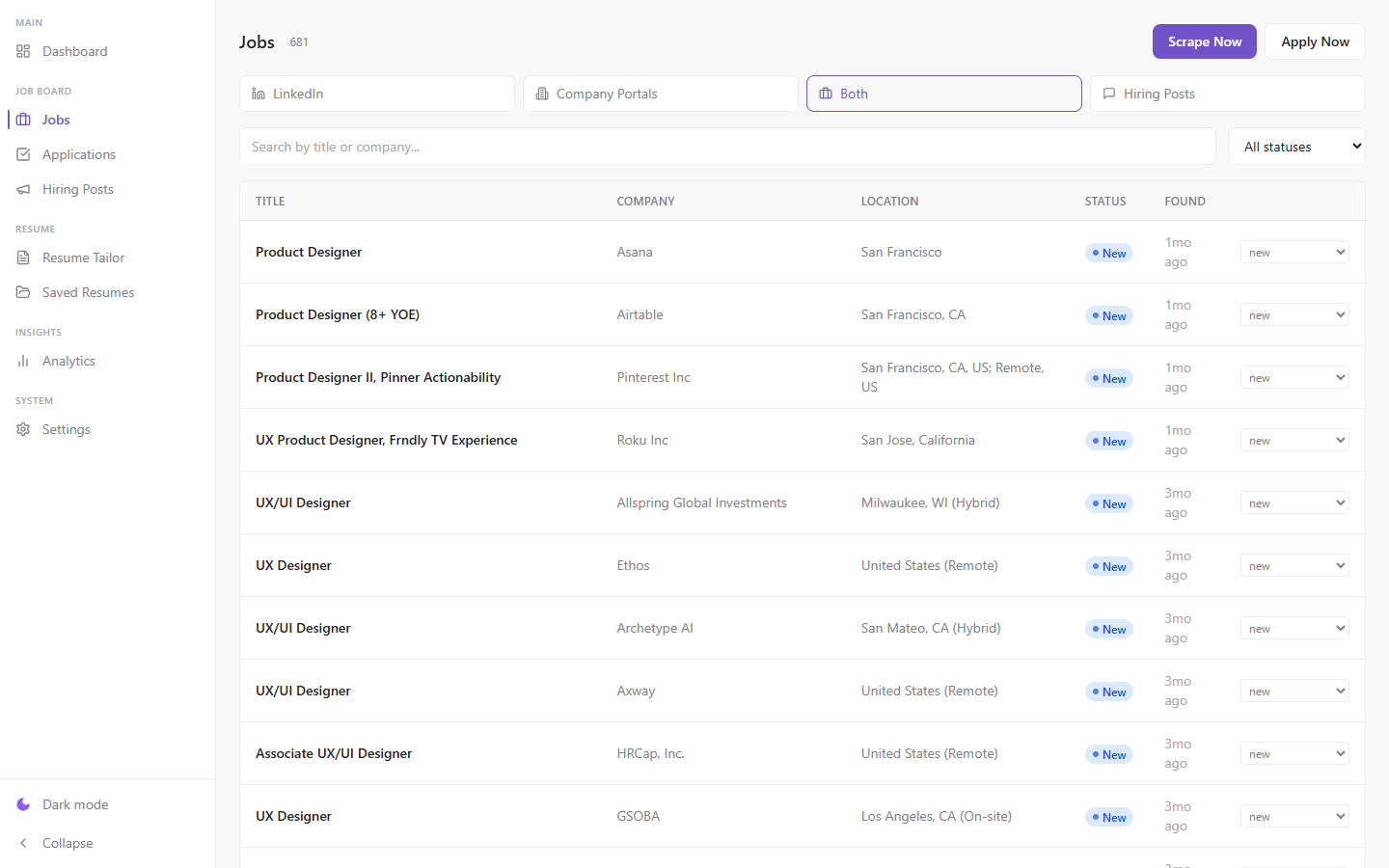
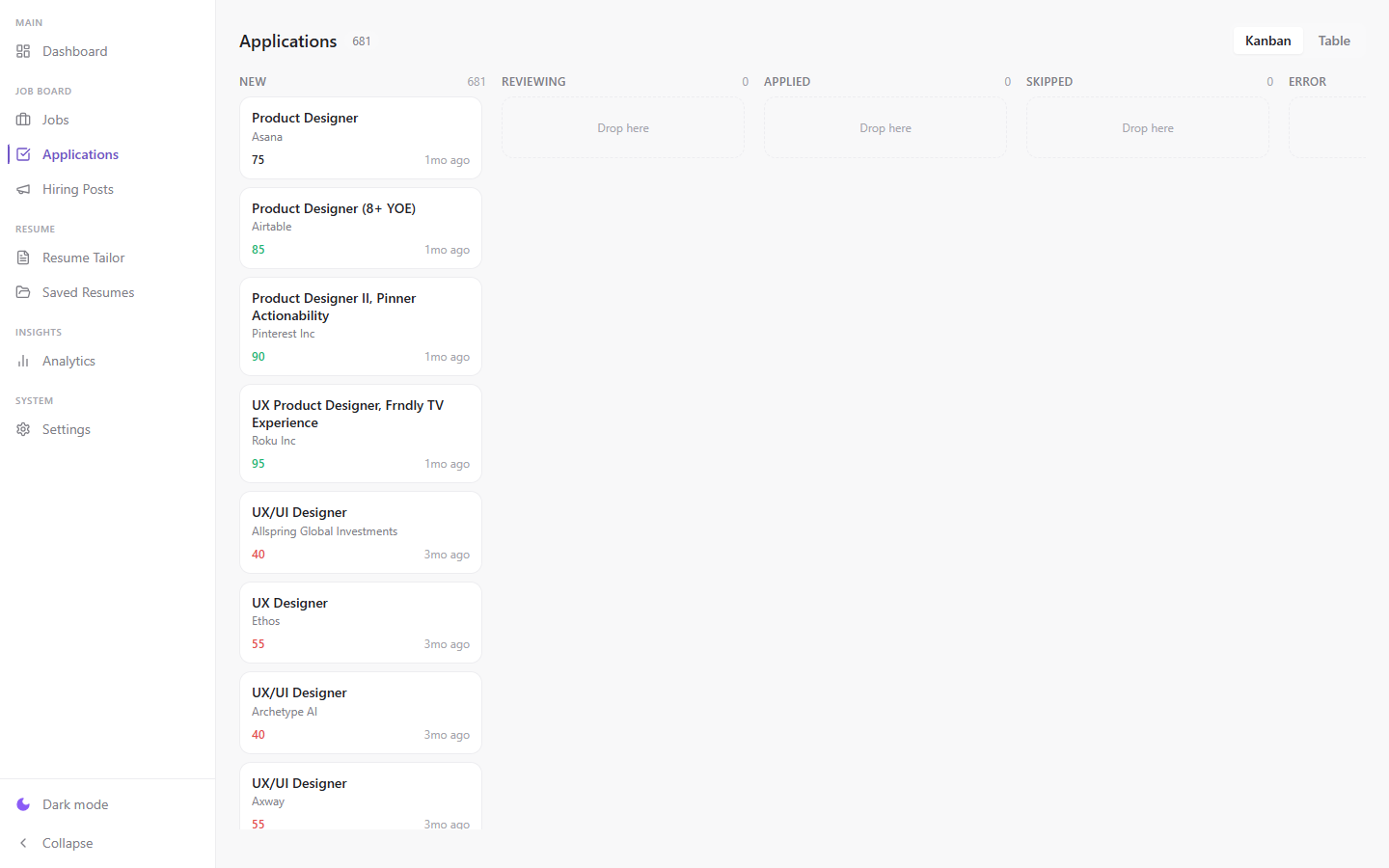
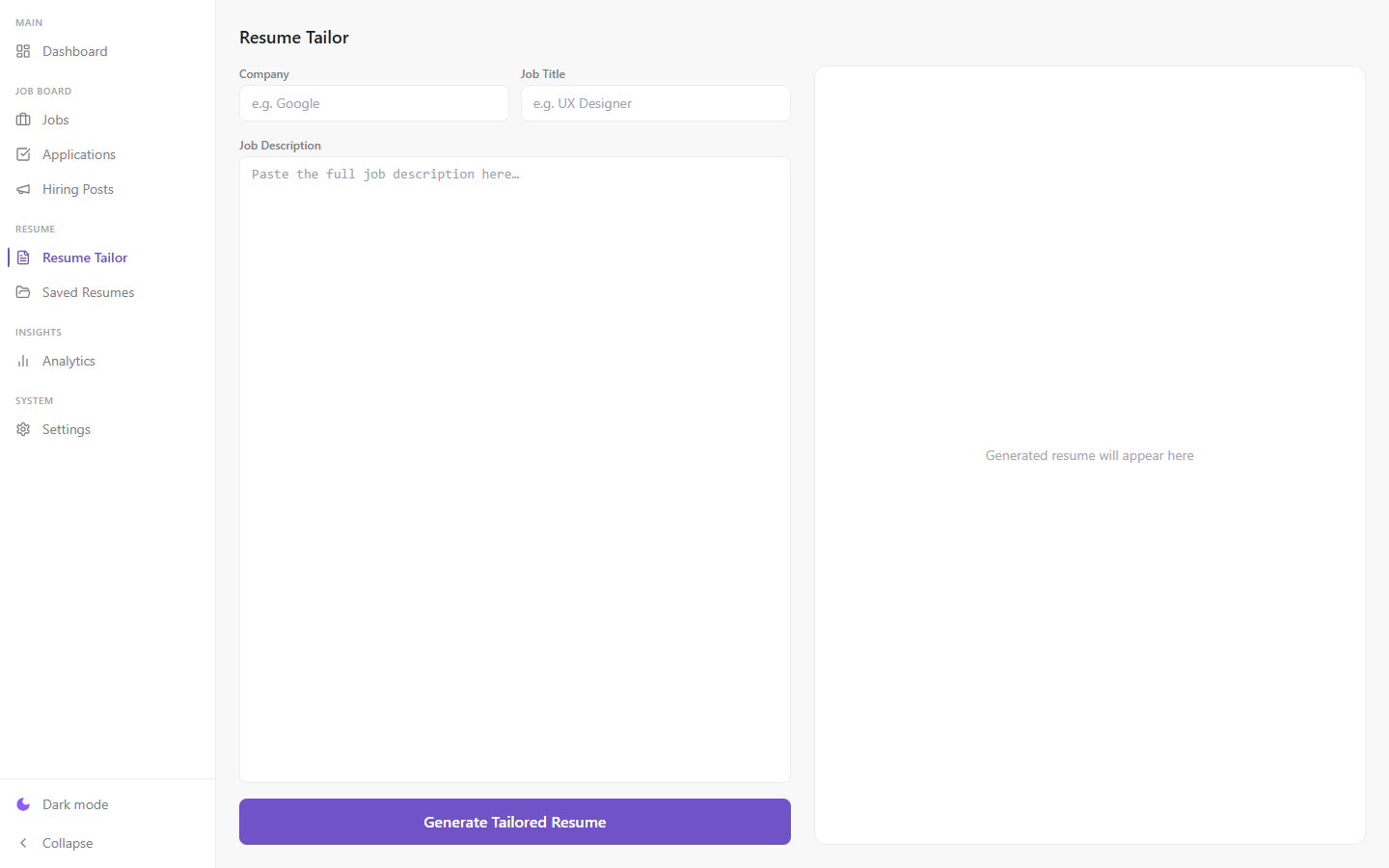
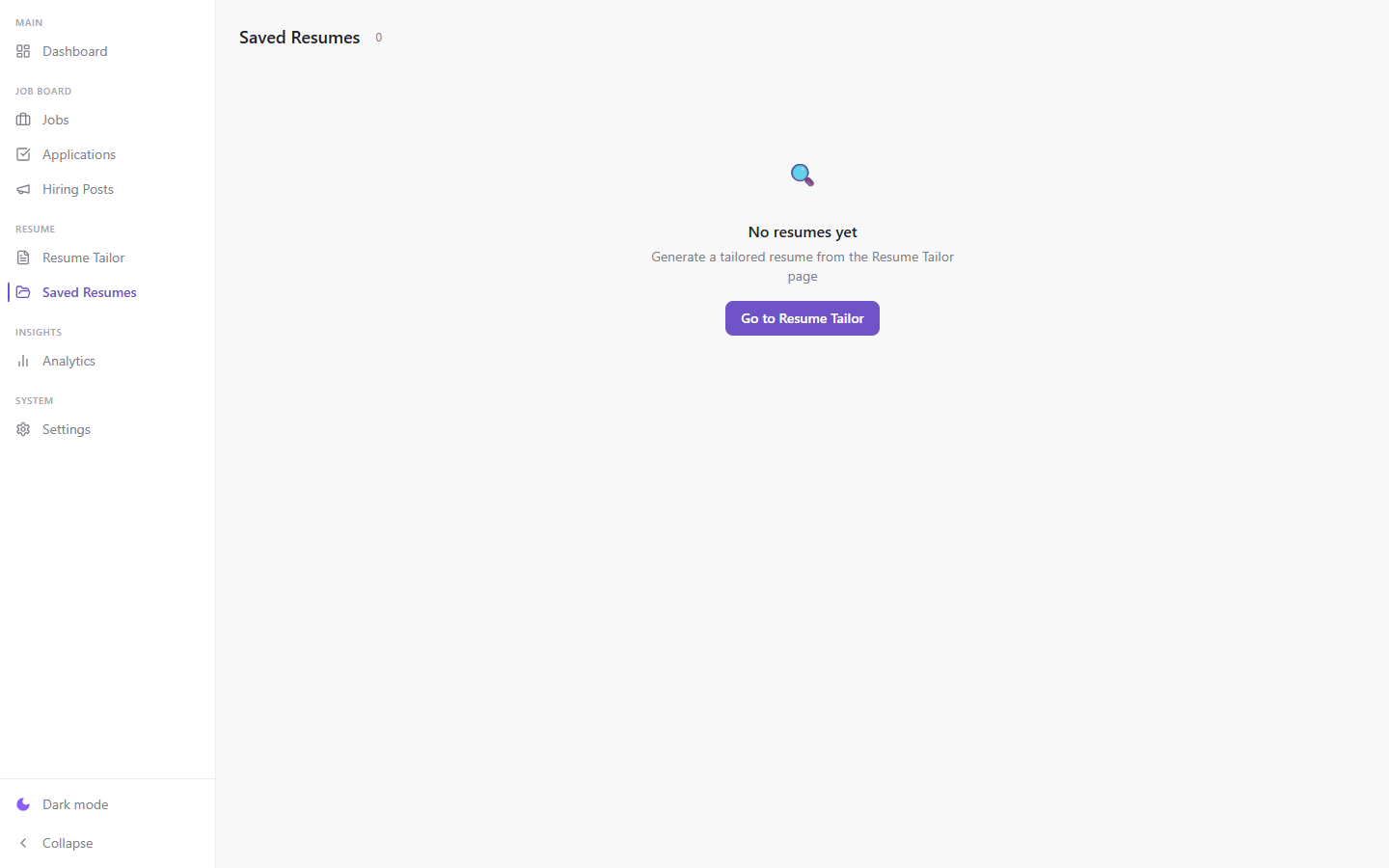
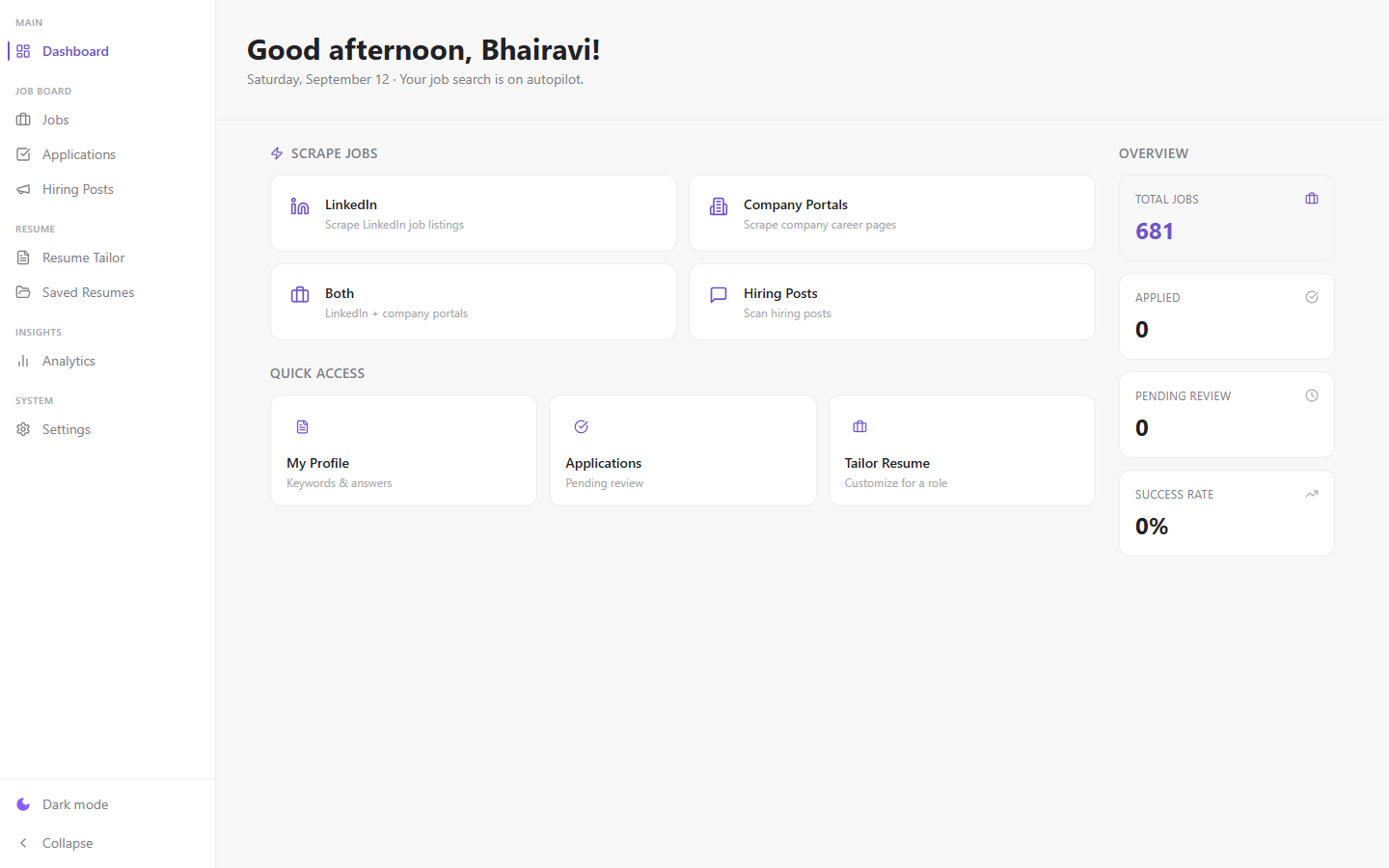
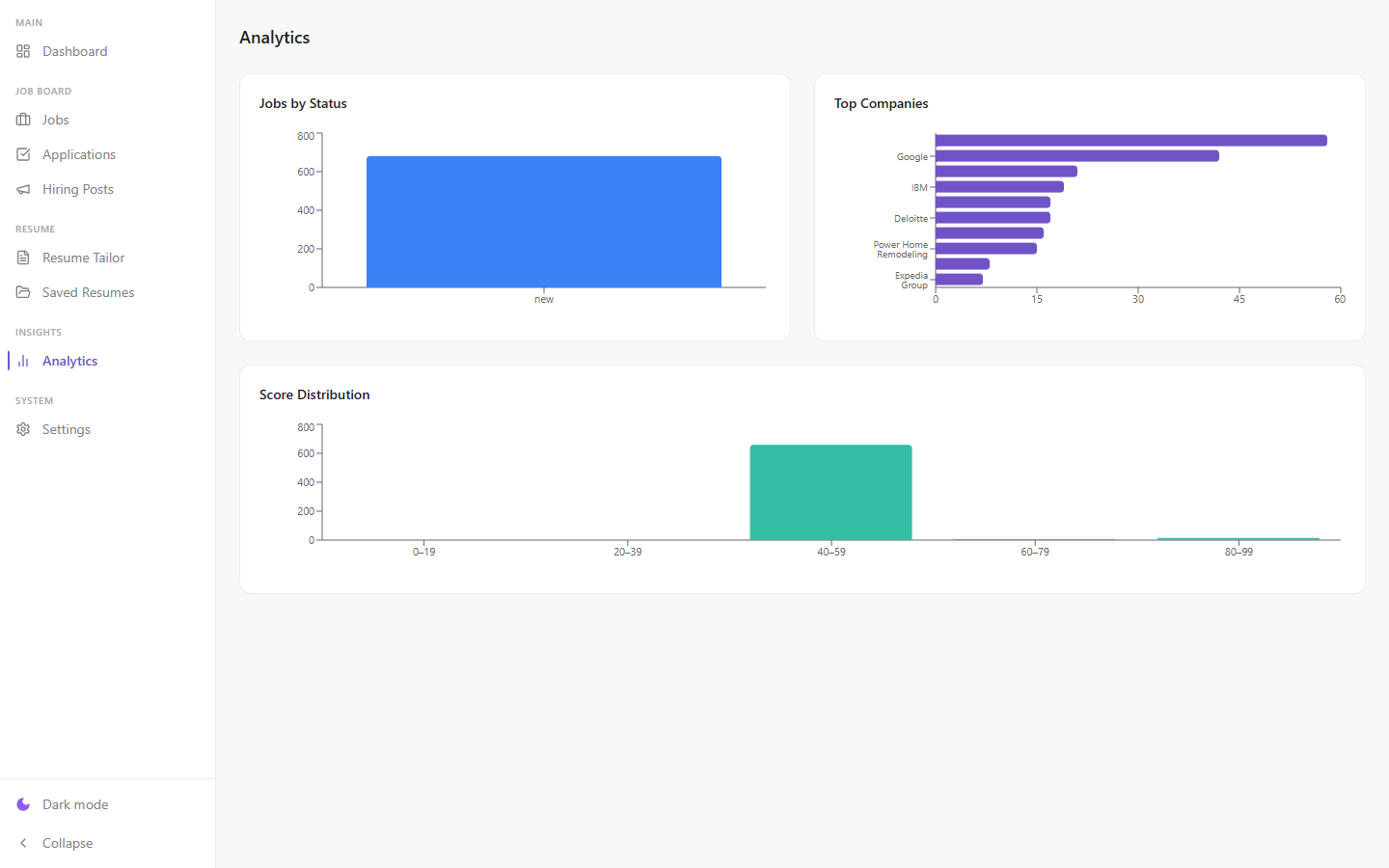
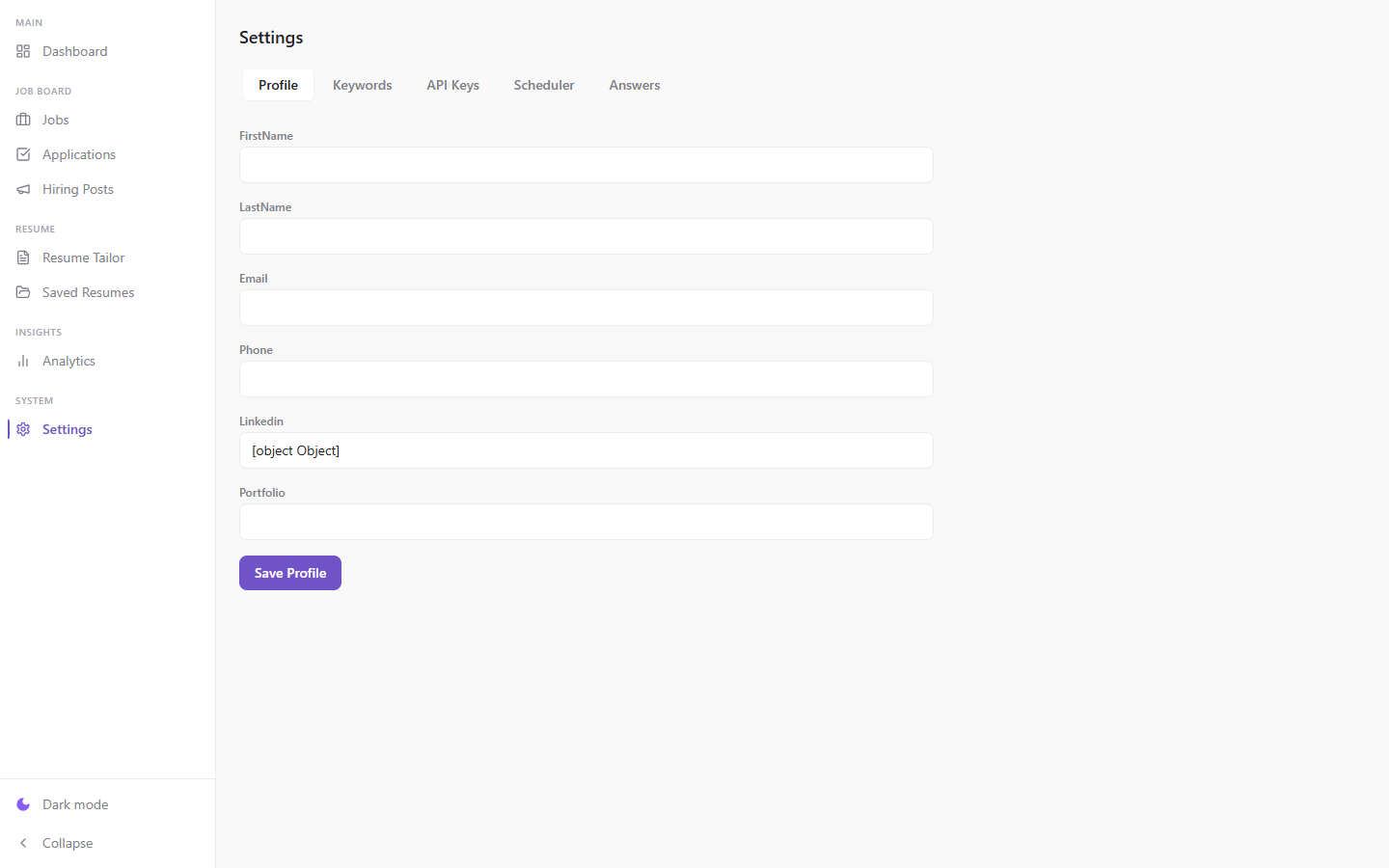
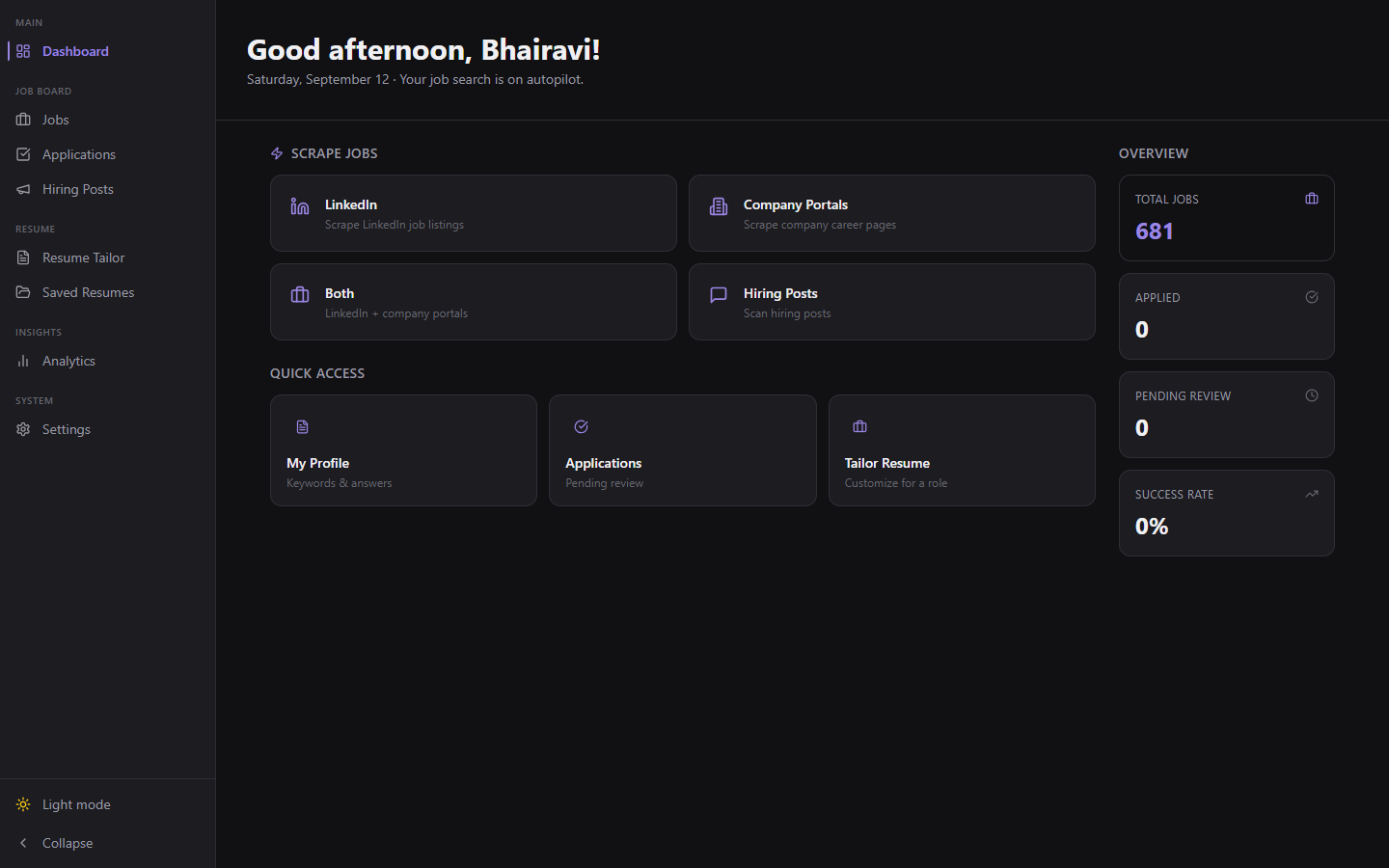
I switch between light and dark mode depending on when I’m applying, so I kept the layout and status colors consistent in both.
AutoApply transformed my repetitive job-search process into one centralized workflow. I now spend less time on administration and more time evaluating the right opportunities.