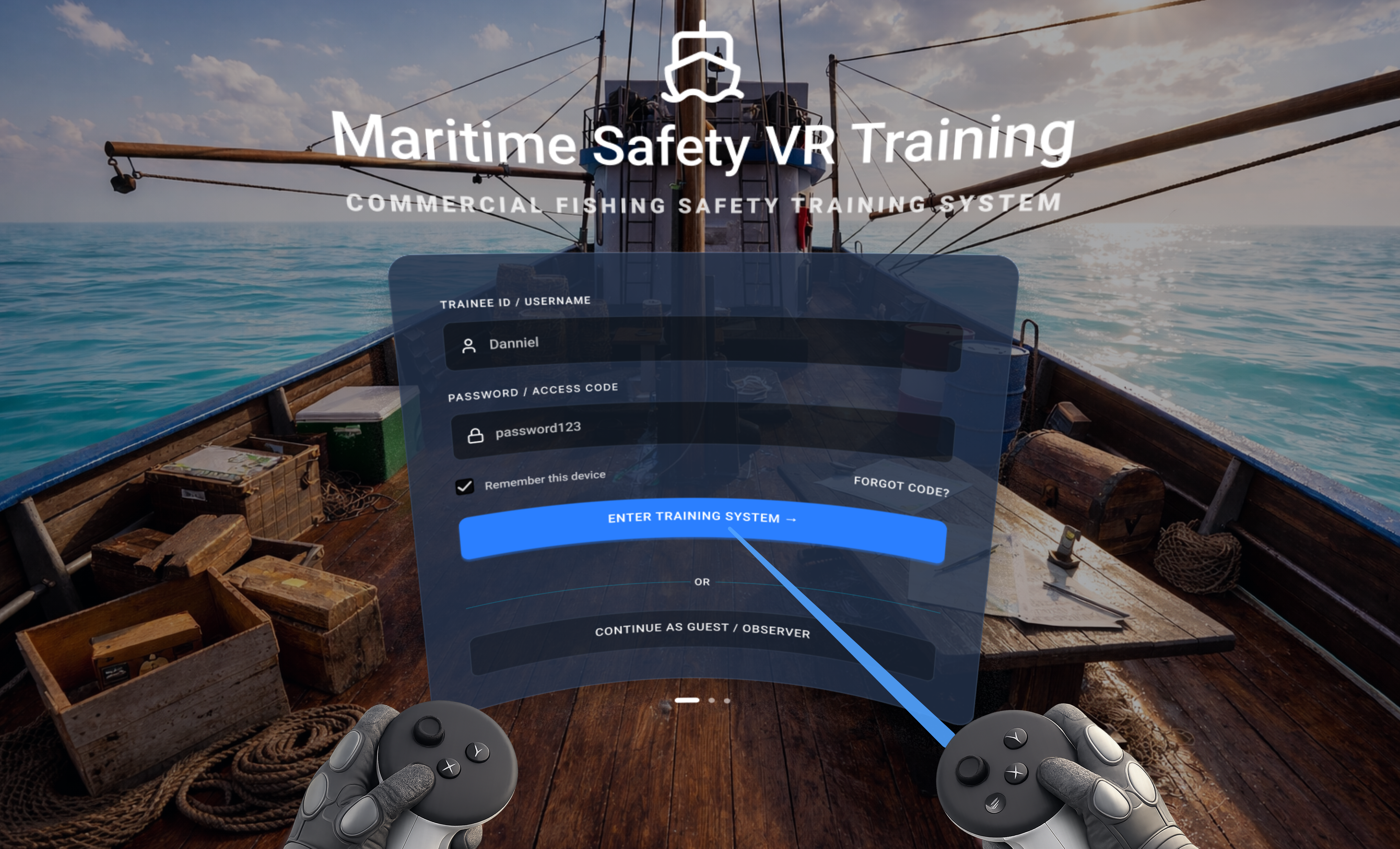
Maritime Safety VR: Guided vs Unguided Immersive Training
Designed and validated an immersive VR flooding-response training module for commercial fishing safety - with guided instructional scaffolding, delivered via Meta Quest 3, and evaluated through a rigorous between-subjects experiment.
Problem, method, and what we found
This study asked a focused question: does embedding instructional guidance inside a VR training environment improve performance and experience? Here's the answer at a glance.
Traditional classroom-based safety training offers limited realistic practice for rare but life-threatening events such as flooding. Organizations like AMSEA provide drill-based courses, but trainees rarely practice emergency procedures under realistic, immersive pressure.
Research Motivation16 participants (M=25.4 yrs) randomly assigned to Guided VR (with embedded instructional cues) or Unguided VR (n=8 per group). Measured task completion time, usability, physical comfort, cognitive load, and immersion.
HiMER Lab ResearchGuided condition outperformed unguided across all 6 measured dimensions - usability, immersion, comfort, cognitive load, satisfaction, and task completion speed. All results statistically significant.
p ≤ 0.0156 across all testsHow the study was designed and run
This was a rigorous between-subjects experiment, not a subjective opinion survey. Every metric was chosen to answer a specific UX or performance question.
Defined the Research Question
Does embedded instructional guidance inside a VR training environment improve procedural performance and subjective experience compared to an unguided VR environment?
We built two hypotheses: Guided VR would result in faster task completion (H1), and guided VR would produce better usability, immersion, comfort, and lower cognitive load (H2).
Built the VR Prototype in Unreal Engine
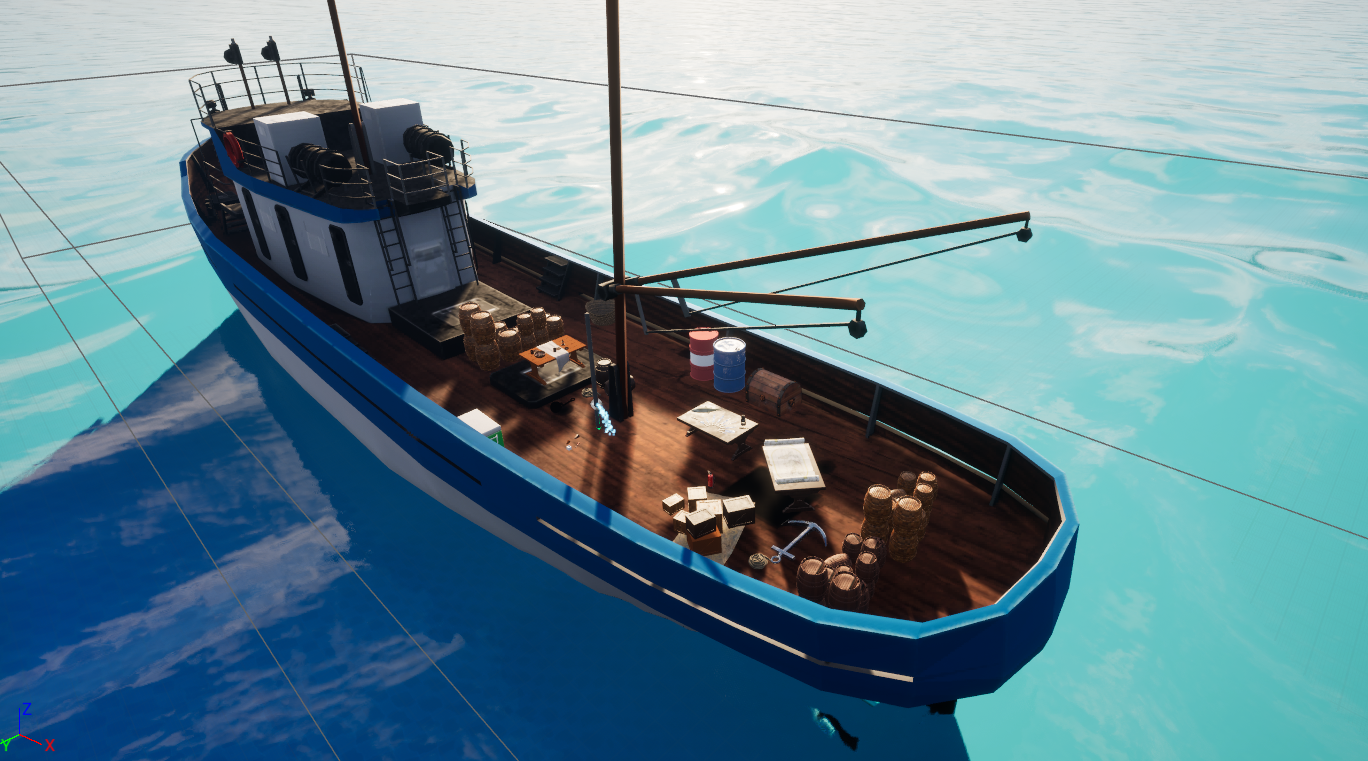
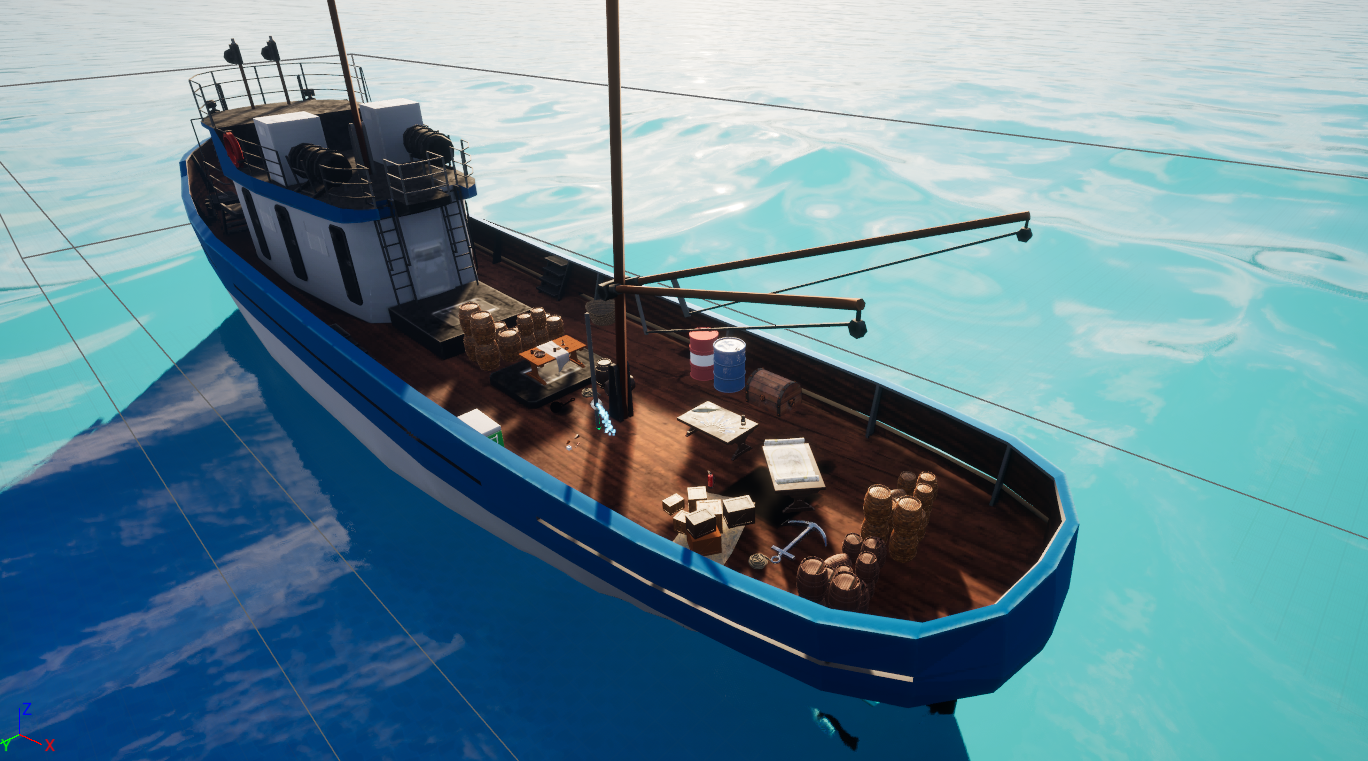
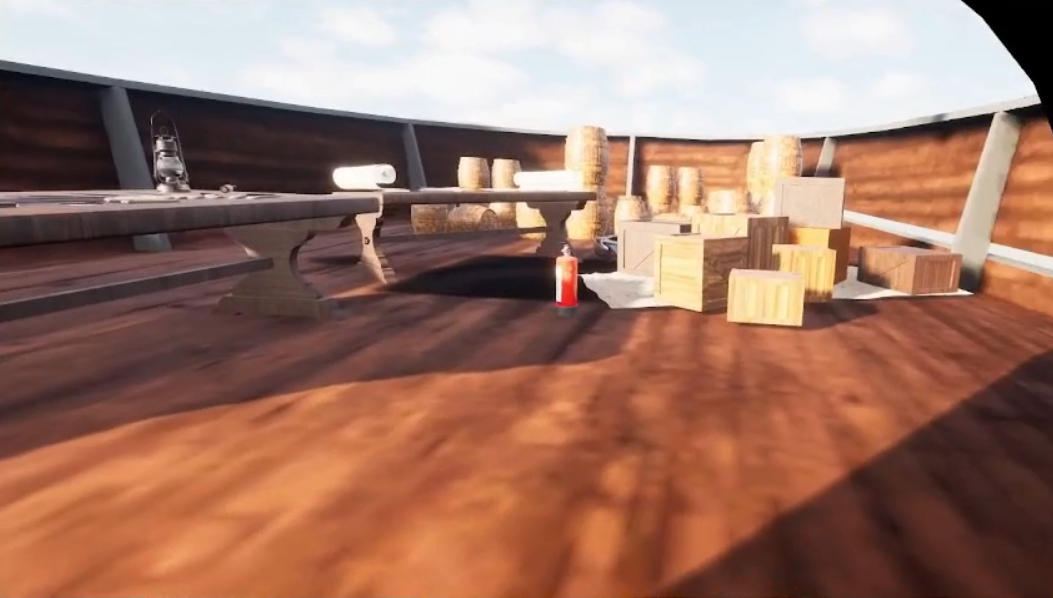
The flooding-response simulation was developed in Unreal Engine and delivered via Meta Quest 3. Two variants were built: one with embedded guidance cues appearing near relevant objects in context, and one without any in-environment instructions.
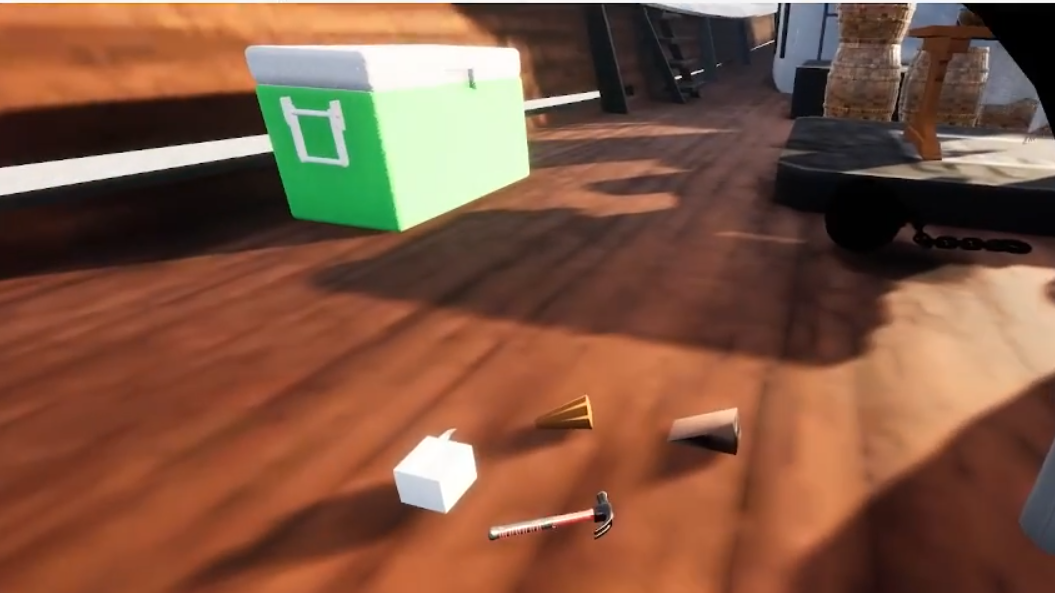
The scenario: participants were asked to locate the water leakage, perform appropriate response actions (e.g., closing the hole in the pipe), and complete the procedure as quickly and accurately as possible.
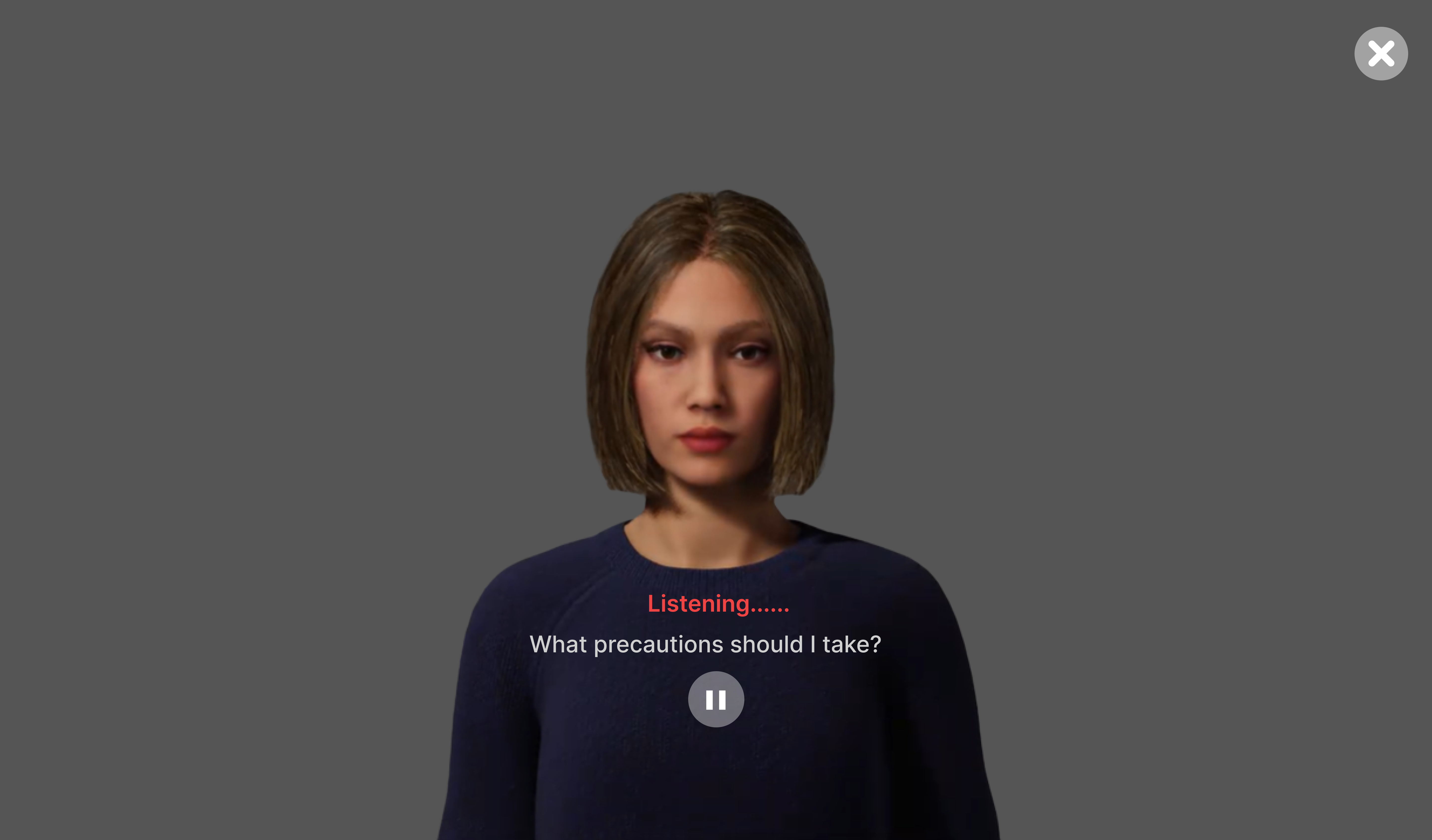
Recruited and Ran 16 Participants
16 participants (mean age 25.4, SD 1.3) were randomly assigned to either the Guided condition (n=8) or the Unguided condition (n=8). Random assignment ensured group equivalence and allowed clean between-group comparison.
All participants completed the same flooding-response scenario. Task completion time was measured. Post-session surveys captured usability, physical comfort, immersion, and cognitive load.
Measured the Right Things
We used multiple validated instruments to capture a complete picture: task completion time (objective), a custom usability scale (3 sub-dimensions), and custom immersion and comfort scales.
Wilcoxon signed-rank tests were used for ordinal scale comparisons between groups. A one-tailed t-test was applied for the task completion time hypothesis. Both are appropriate for small-sample, non-parametric or directional research designs.
Analyzed and Interpreted
Descriptive statistics were computed for both groups across all metrics. Between-group comparisons were run to determine statistical significance. Every result was interpreted through the lens of real-world training impact, not just p-values.
Who we designed for
The study participants included graduate CS students and working product designers. These two groups bring very different analytical lenses to VR training: one approaches it as a system to understand, the other as a design artefact to critique. Both expose failure modes that a purely maritime user group might not surface.

- Understand immersive system design from an HCI research lens
- Experience how guided vs. unguided paradigms affect task performance
- Apply VR interaction patterns to his own research or thesis work
- Compare VR training outcomes against traditional classroom methods
- Most VR training systems lack rigorous UX research behind them
- Hard to find real-world datasets on immersive training effectiveness
- UI feedback in VR is often inconsistent or poorly timed
- Gap between academic HCI research and deployed safety-critical systems
- Highly analytical - questions system logic and interaction design choices
- Comfortable with headsets, controllers, and 3D spatial navigation
- Explores edge cases and pushes systems beyond intended use
- Motivated by understanding the "why" behind design decisions

Why two personas matter for this design
Alex comes in with deep technical intuition but no maritime context - he stress-tests the system's logic and interaction design. Sandra comes in with a professional UX lens - she evaluates visual hierarchy, cue timing, and affordance clarity at a level most users never consciously articulate. Together, they surface both functional and experiential failure modes. A VR training system that holds up under both profiles is genuinely robust.
The full training experience, end to end
The journey map traces Marco's experience from the moment he puts on the headset to when he receives his post-session report. Every stage revealed specific UX challenges that directly shaped design decisions.
How the system is structured
The IA was built around three distinct user roles - Trainee, Instructor, and Researcher - each with a different entry path and information need. The goal was a single platform that serves all three without forcing any user through screens irrelevant to them.
The IA was deliberately kept flat (max 3 levels deep) to reduce navigational cognitive load inside VR. In a spatial interface, every extra level costs more mental effort than on a flat screen. Fewer levels, clearer labels, better VR UX.
Designing for VR in a safety-critical context
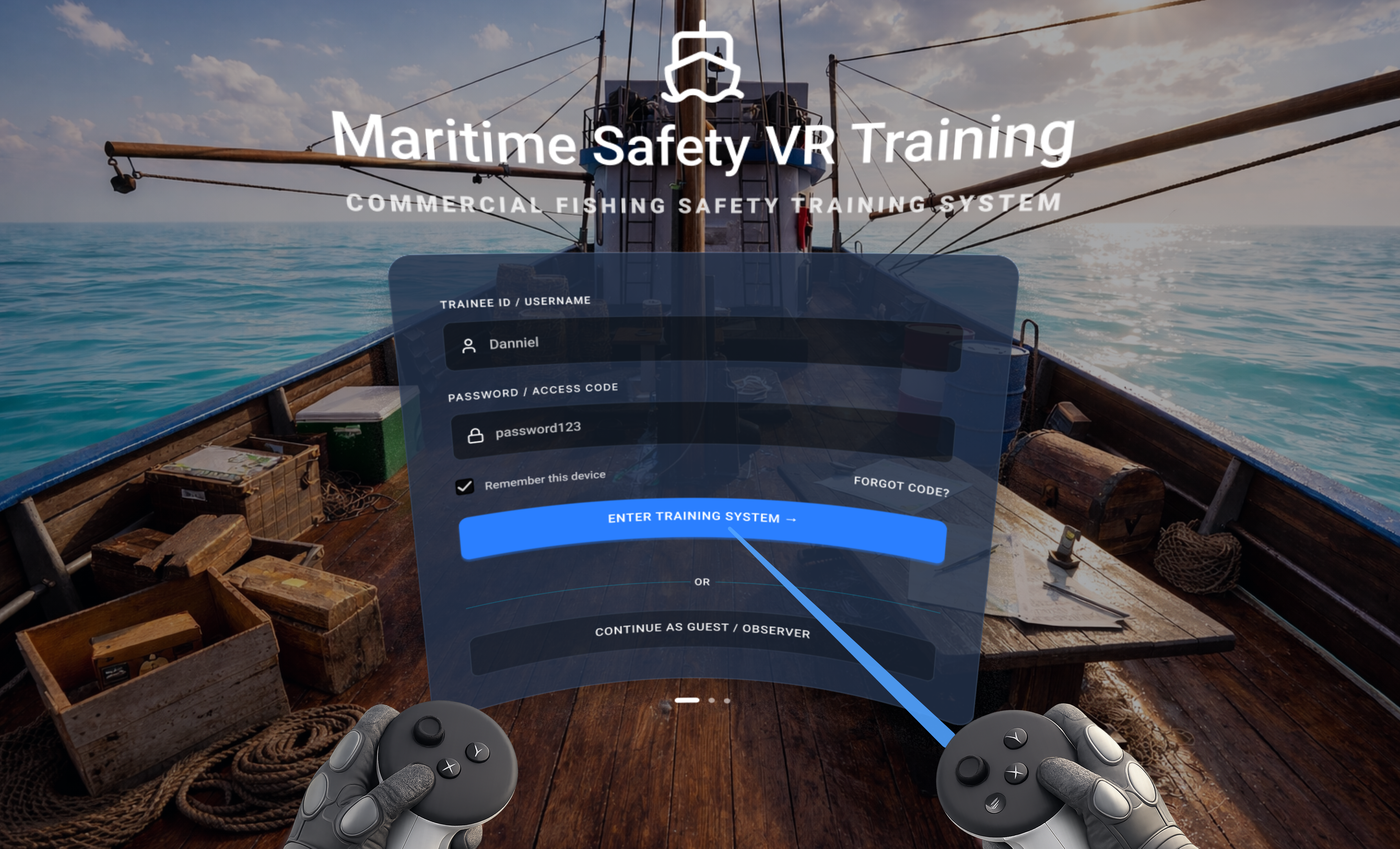
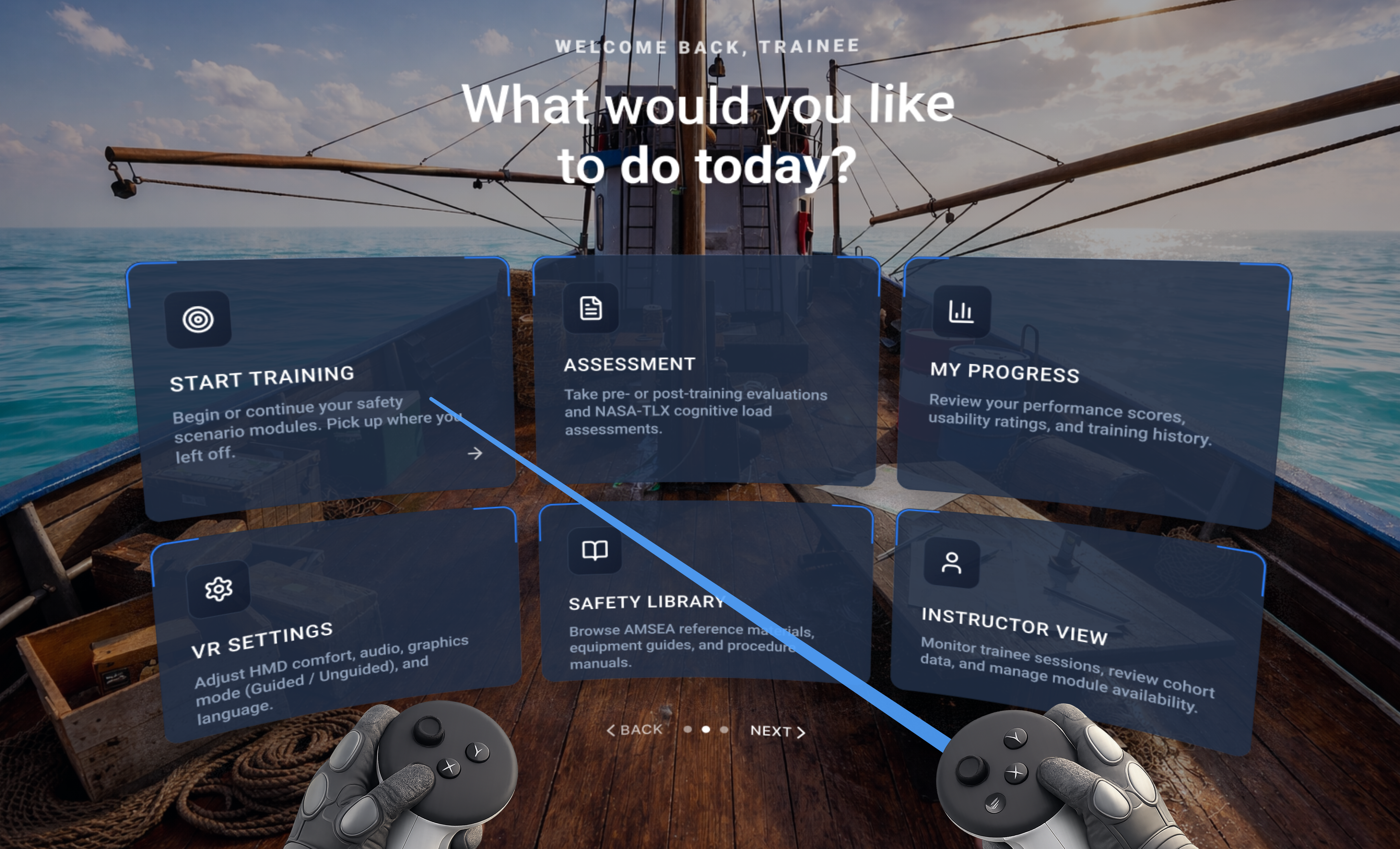
Every UI decision in a VR safety trainer carries higher stakes than a typical app. Information must appear at the right moment, in the right place, without breaking immersion or overloading the trainee. Here is how the system was designed.
The experiment in action
A between-subjects study with 16 participants compared guided vs. unguided VR training on a commercial fishing vessel. Each session was recorded, tracked, and analyzed across task completion, accuracy, cognitive load, and usability metrics.
Key UX decisions and why they matter
This wasn't just building a simulation. Every design choice was made with a specific UX goal in mind, rooted in cognitive load theory, immersion principles, and the Technology Acceptance Model (TAM).
Guided Instructions Reduce Cognitive Load
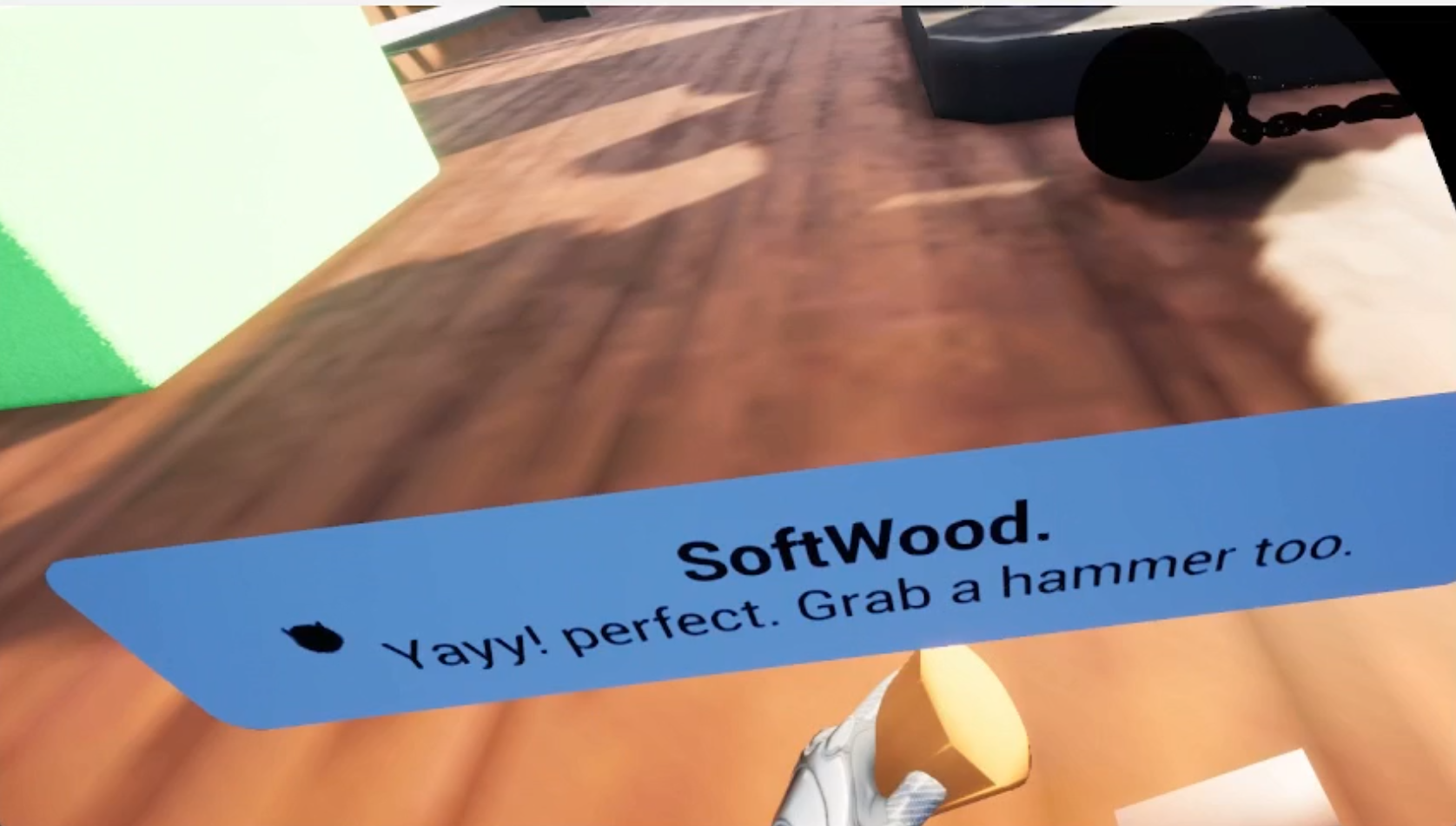
Embedded text cues near relevant objects (e.g., 'SoftWood: Perfect choice' near patching materials) give trainees context exactly when they need it, in the context they need it. This directly reduces extraneous cognitive load and frees mental resources for procedural learning.
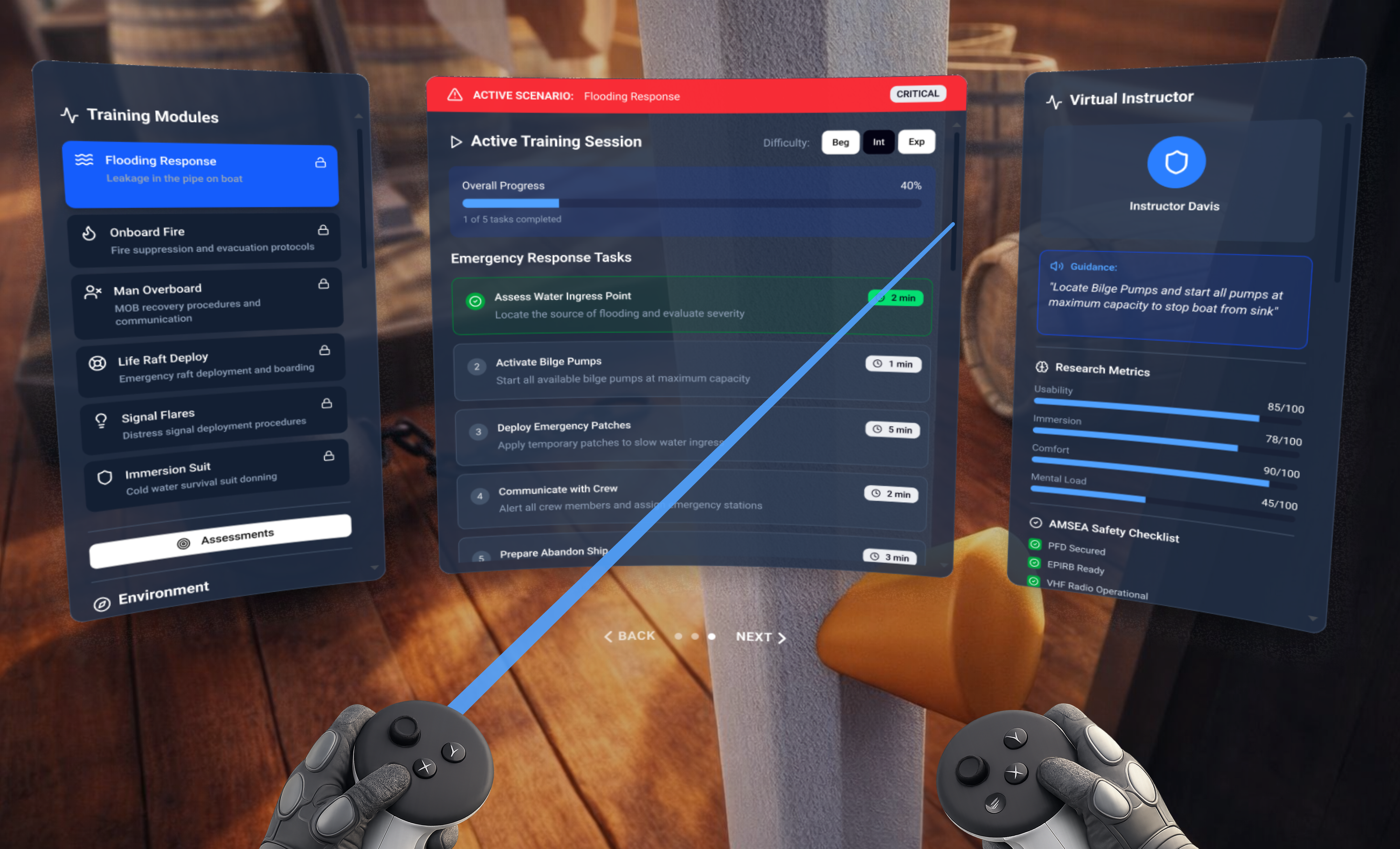
Three-Panel Spatial HUD Layout
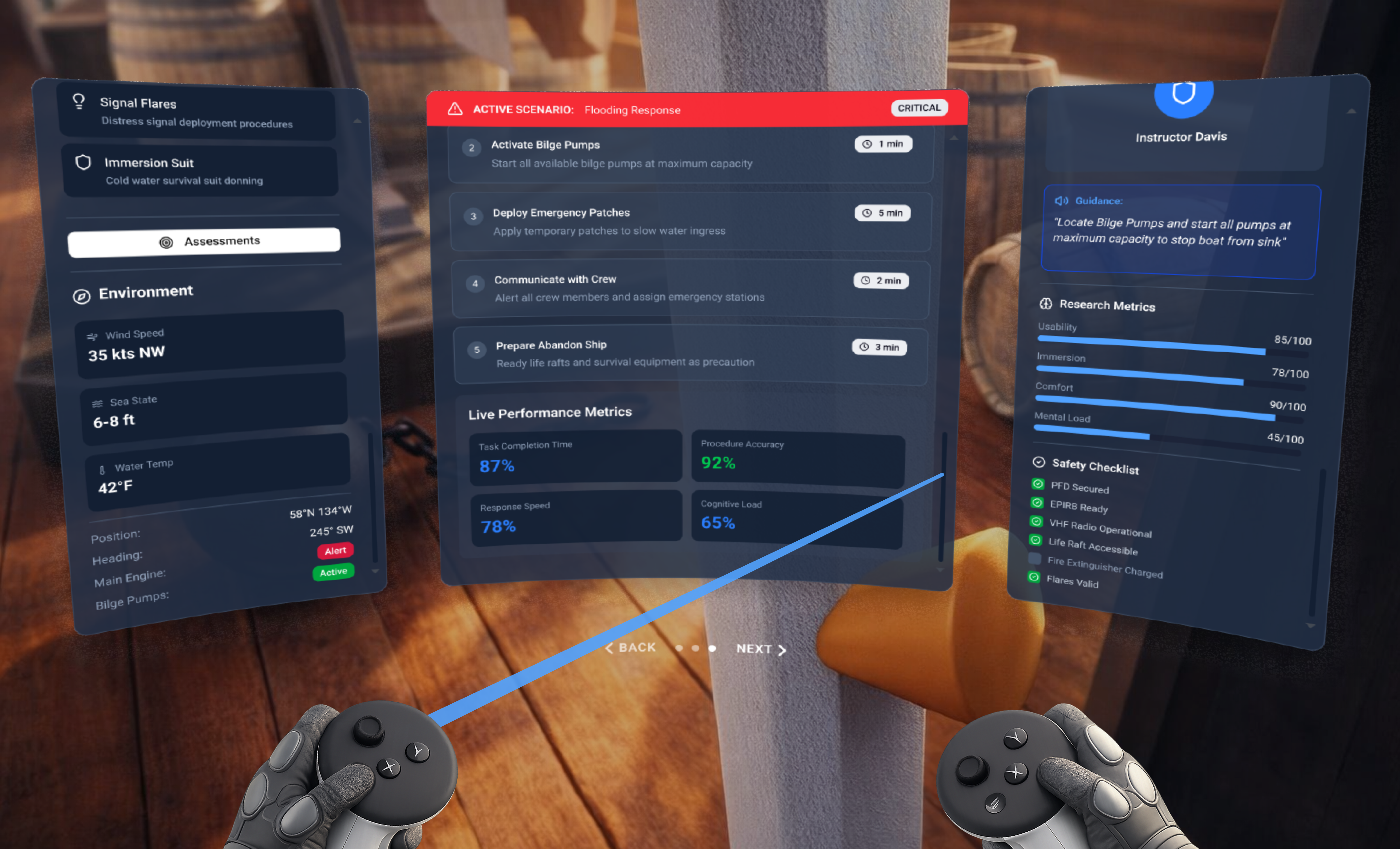
The left panel shows module list, center shows the active scenario with task checklist, and right shows the Virtual Instructor with live metrics. This spatial arrangement mirrors physical cockpit design, keeping critical info accessible without requiring head movement to find it.
Real-Time Progress Visibility
Task completion progress (40% complete, 1 of 5 tasks) plus time-per-task indicators are always visible. This addresses two known VR training pain points: disorientation about where you are in the process, and anxiety from unclear time pressure.
Integrated Research Metrics Display
The Virtual Instructor panel shows live Usability (85/100), Immersion (78/100), Comfort (90/100), and Mental Load (45/100) scores during the session. This dual-purpose design serves both the trainee and the researcher, without disrupting the training flow.
Contextual Environment Data
Wind speed (35 kts NW), sea state (6-8 ft), water temperature (42°F), heading, and engine status are displayed in the training environment. These aren't decorative. They establish stakes, increase realism, and prepare trainees for actual operational conditions.
Safety Checklist Integration
The right panel includes a live safety checklist (PFD Secured, EPIRB Ready, VHF Radio Operational, Life Raft Accessible, Flares Valid). Grounding the VR training in real regulatory standards gives trainees outcomes they can apply directly to real-world certification.
The results were unambiguous
Across every single metric, the guided VR condition outperformed the unguided condition. The pattern was consistent and statistically significant.
All Wilcoxon signed-rank comparisons: W = 0, p ≤ 0.0156. Task completion time: t(7) = 2.14, p = 0.034. Every result reached statistical significance.
Instruction clarity, task clarity, interaction ease
& Immersion quality
Mental demand (lower = better)
Faster = better
Where this system goes next
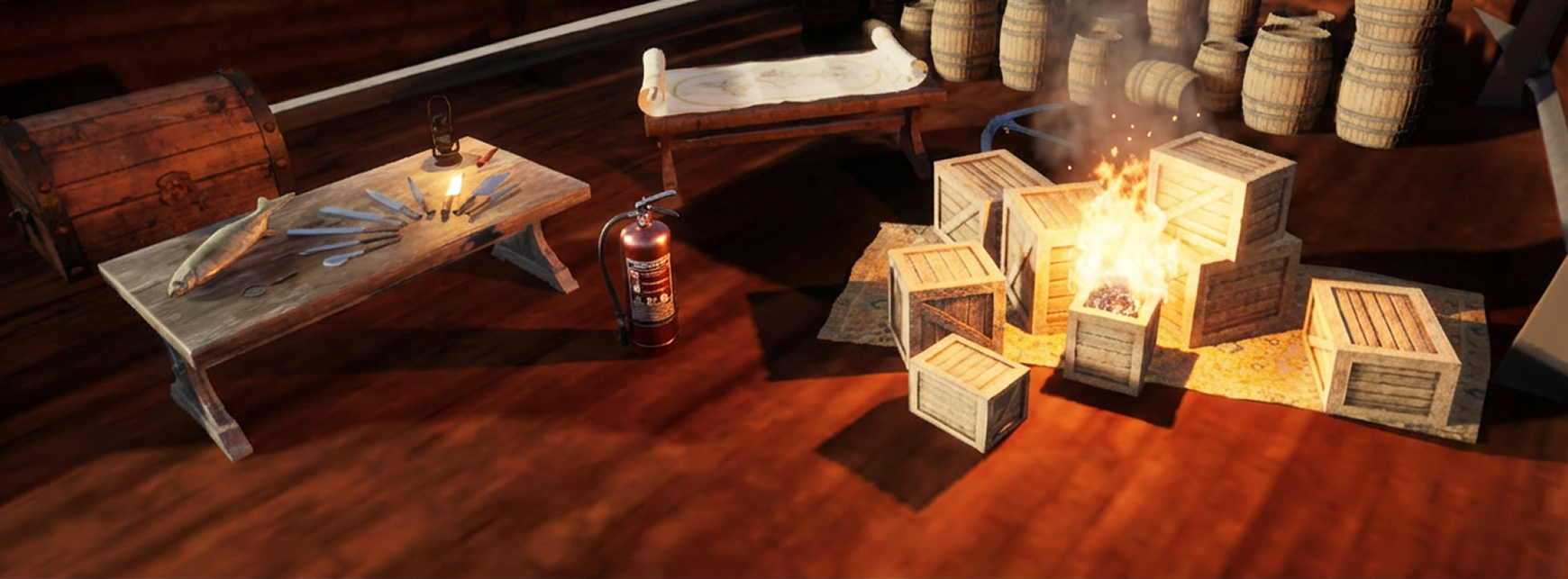
The current module covers flooding response. The vision is a complete commercial fishing safety training system across all major emergency categories. Five additional modules are planned, each grounded in the same established safety curriculum and the same UX principles that proved effective in this study.
Man Overboard
MOB recovery procedures, communication protocols, and crew coordination under time pressure.
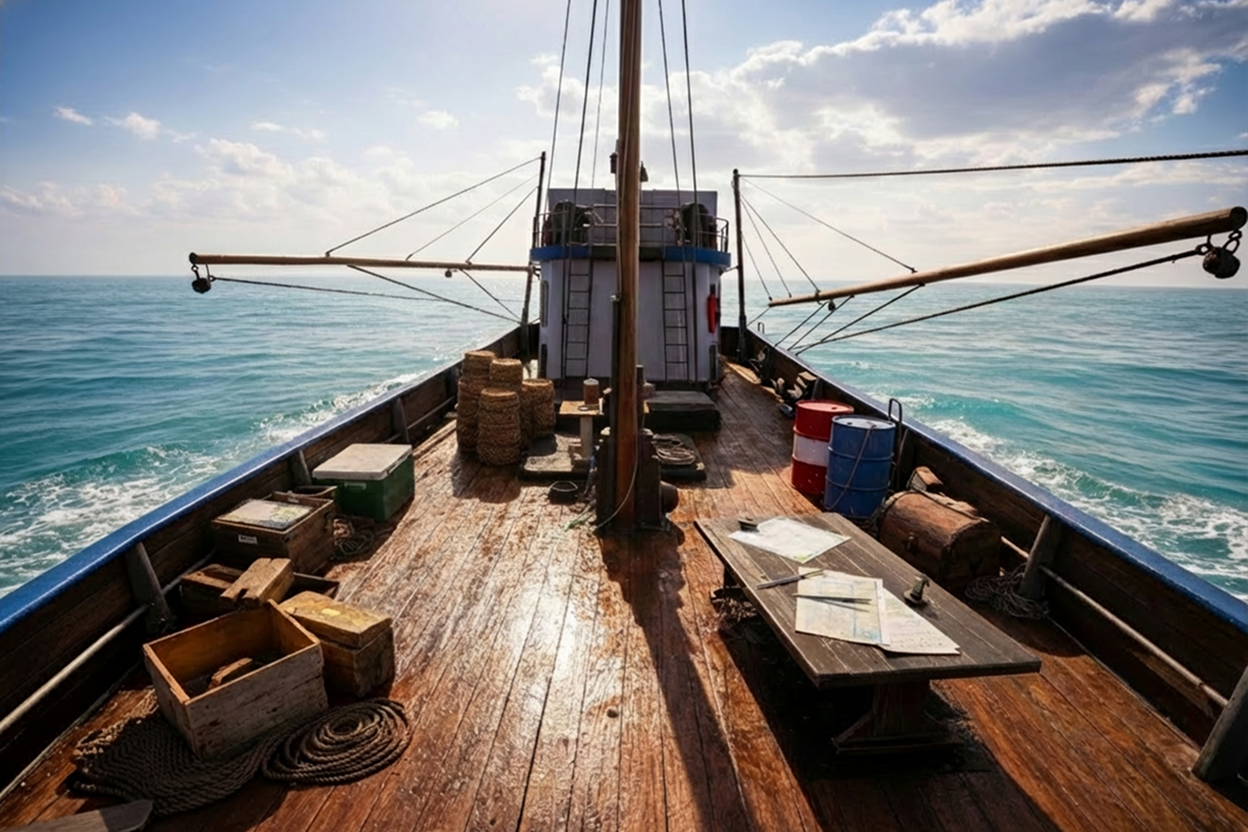
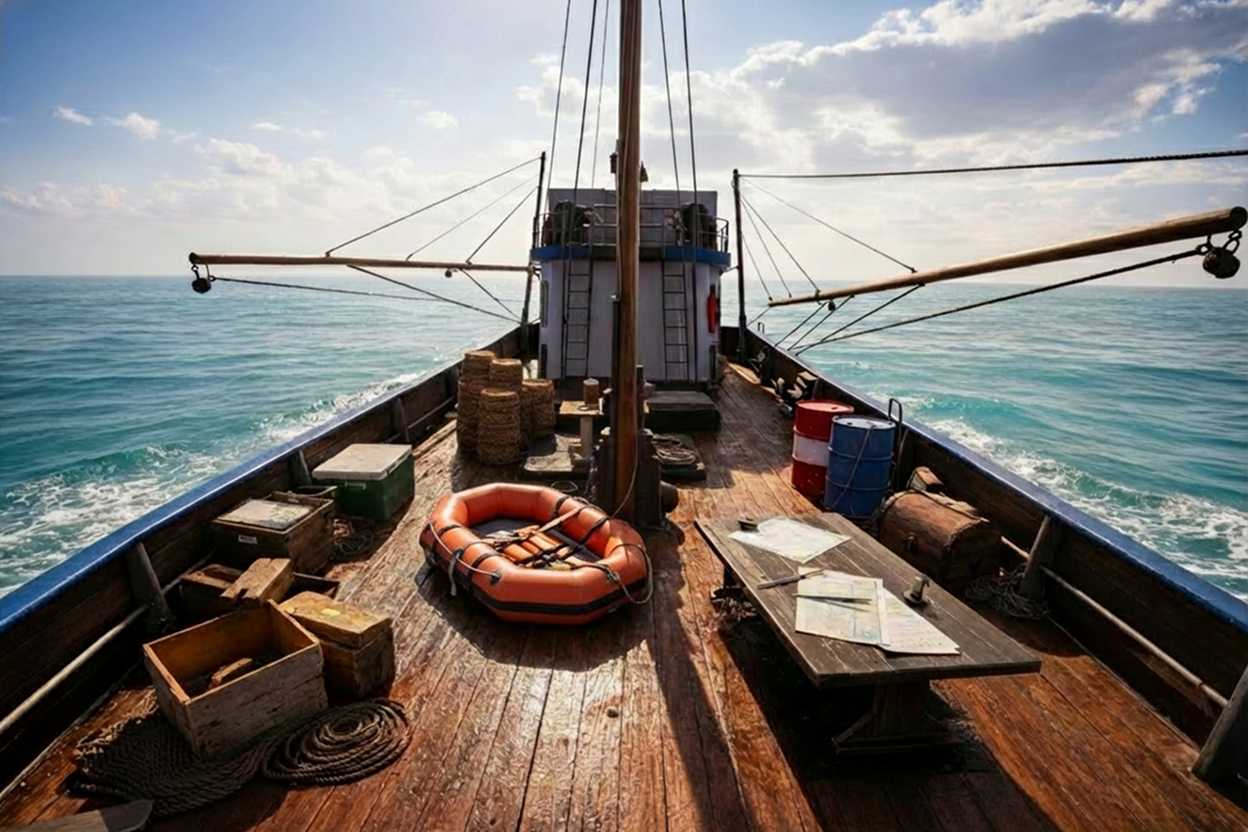
Life Raft Deploy
Emergency raft deployment and boarding. High physical-fidelity tasks requiring precise sequencing.
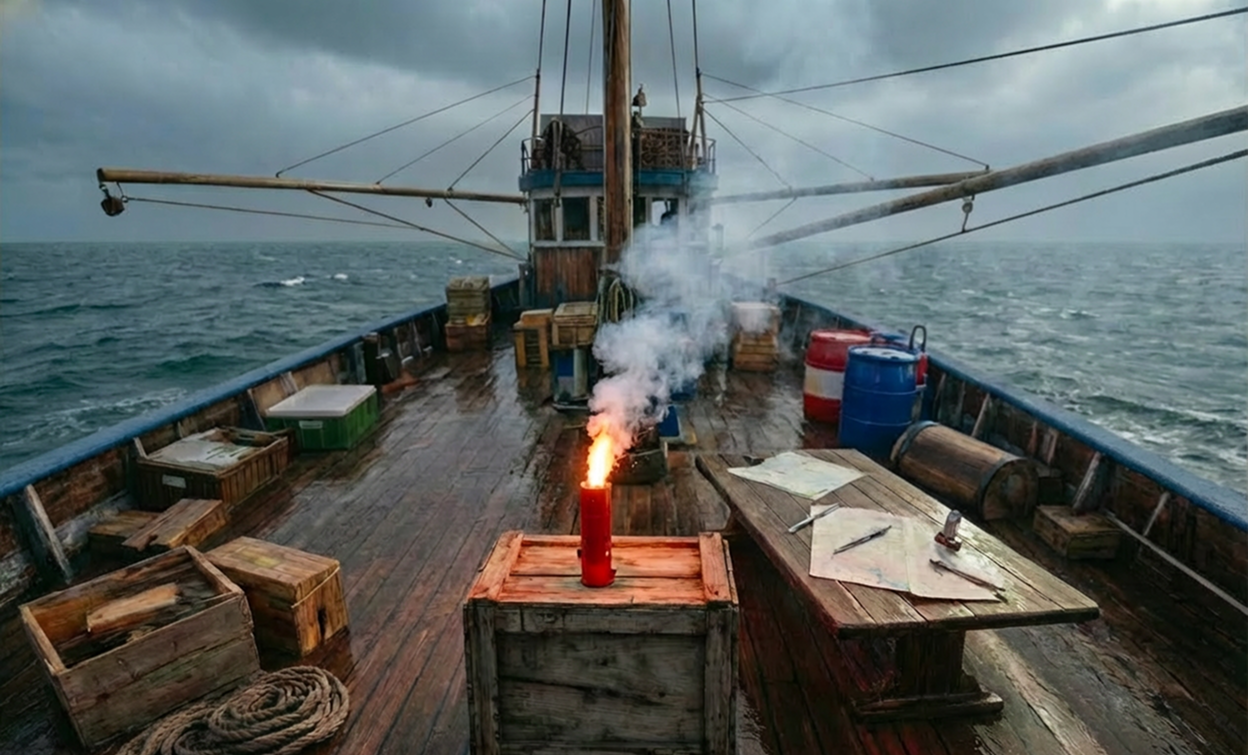
Signal Flares
Distress signal deployment procedures. Visual, timing, and safety-critical decision design.
Immersion Suit
Cold water survival suit donning. Fine motor skill training in a time-critical, anxiety-inducing scenario.
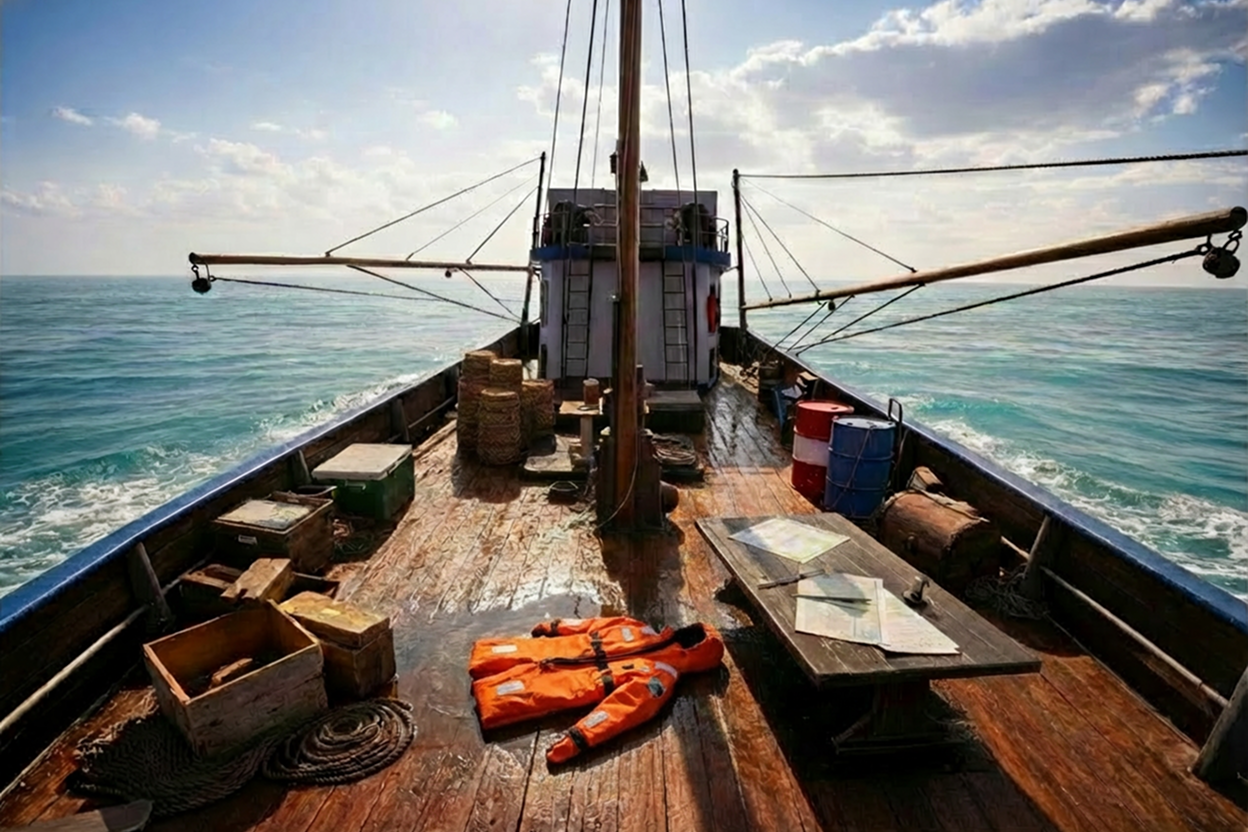
Each future module will follow the same research-informed design approach: guided vs. unguided testing, cognitive load measurement, and safety compliance. The goal is a fully validated, scalable maritime safety training platform.
What participants said after the session
Post-session interviews and open-response surveys were conducted with all 16 participants immediately after task completion. Participants brought diverse design, engineering, and research backgrounds - none had prior maritime training. Feedback is attributed by role and condition (Guided n=8, Unguided n=8).
Guided Condition
"The cues didn't interrupt - they surfaced at the exact moment I needed them. From a UX standpoint that timing is incredibly hard to get right, and this nailed it."
"The spatial HUD gave me real-time situational awareness without pulling my eyes off the task. Solid systems design - nothing felt bolted on."
"I have no maritime background at all, but the guided cues gave me enough context to understand why each step mattered. I actually felt competent by the end."
"Procedure sequencing is everything in manufacturing. The guided mode enforced step order clearly. Seeing my compliance rate in the debrief confirmed I absorbed the protocol."
"The virtual instructor felt like a design choice, not a crutch. It fit the environment instead of floating on top of it. That distinction matters for immersion."
"Seeing my cognitive load score in the debrief was a wake-up call. I thought I was handling pressure well - the data said otherwise. That feedback loop is genuinely valuable."
"The audio-spatial design carried a lot of the stress load. I kept thinking about what haptic feedback would add - but even without it, presence was high."
"Every interaction felt purposeful. Controller inputs mapped cleanly to physical actions. I barely had to think about the interface - I was thinking about the emergency."
"The cues didn't interrupt - they surfaced at the exact moment I needed them. From a UX standpoint that timing is incredibly hard to get right, and this nailed it."
"The spatial HUD gave me real-time situational awareness without pulling my eyes off the task. Solid systems design - nothing felt bolted on."
"I have no maritime background at all, but the guided cues gave me enough context to understand why each step mattered. I actually felt competent by the end."
"Procedure sequencing is everything in manufacturing. The guided mode enforced step order clearly. Seeing my compliance rate in the debrief confirmed I absorbed the protocol."
"The virtual instructor felt like a design choice, not a crutch. It fit the environment instead of floating on top of it. That distinction matters for immersion."
"Seeing my cognitive load score in the debrief was a wake-up call. I thought I was handling pressure well - the data said otherwise. That feedback loop is genuinely valuable."
"The audio-spatial design carried a lot of the stress load. I kept thinking about what haptic feedback would add - but even without it, presence was high."
"Every interaction felt purposeful. Controller inputs mapped cleanly to physical actions. I barely had to think about the interface - I was thinking about the emergency."
Unguided Condition
"I tried to rely on logic to sequence the tasks but I was guessing half the time. A system prompt or even a checklist would have dropped the mental overhead significantly."
"I'm used to evaluating affordances. There weren't enough cues to tell me what was interactable. I wasted time exploring before I could act - that friction adds up fast under stress."
"I knew the scenario had a correct procedure but I couldn't reconstruct it under pressure. Without any scaffolding, the cognitive load was high from the first minute."
"The environment itself was convincing - I'll give it that. But without feedback I couldn't tell if my actions were working. HCI 101: the system must communicate state."
"I tried to rely on logic to sequence the tasks but I was guessing half the time. A system prompt or even a checklist would have dropped the mental overhead significantly."
"I'm used to evaluating affordances. There weren't enough cues to tell me what was interactable. I wasted time exploring before I could act - that friction adds up fast under stress."
"I knew the scenario had a correct procedure but I couldn't reconstruct it under pressure. Without any scaffolding, the cognitive load was high from the first minute."
"The environment itself was convincing - I'll give it that. But without feedback I couldn't tell if my actions were working. HCI 101: the system must communicate state."
"I kept second-guessing myself on task order. No confirmation that steps were done correctly made the whole experience feel uncertain. Confidence dropped with every ambiguous action."
"Without guidance I understood what to do, but not why the sequence mattered. Task logic was invisible. That gap is dangerous in a real safety scenario."
"The environment was well-built but the lack of visual hierarchy for interactive elements broke immersion. I kept stopping to scan rather than responding instinctively."
"I approached it like a control problem - assess, decide, act. But without state feedback from the system I couldn't close the loop. Felt like operating a robot with no sensors."
"I tried to rely on logic to sequence the tasks but I was guessing half the time. A system prompt or even a checklist would have dropped the mental overhead significantly."
"I'm used to evaluating affordances. There weren't enough cues to tell me what was interactable. I wasted time exploring before I could act - that friction adds up fast under stress."
"I knew the scenario had a correct procedure but I couldn't reconstruct it under pressure. Without any scaffolding, the cognitive load was high from the first minute."
"The environment itself was convincing - I'll give it that. But without feedback I couldn't tell if my actions were working. HCI 101: the system must communicate state."
"I kept second-guessing myself on task order. No confirmation that steps were done correctly made the whole experience feel uncertain. Confidence dropped with every ambiguous action."
"Without guidance I understood what to do, but not why the sequence mattered. Task logic was invisible. That gap is dangerous in a real safety scenario."
"The environment was well-built but the lack of visual hierarchy for interactive elements broke immersion. I kept stopping to scan rather than responding instinctively."
"I approached it like a control problem - assess, decide, act. But without state feedback from the system I couldn't close the loop. Felt like operating a robot with no sensors."
(Guided)
(Unguided)
(Guided)
One pattern stood out across both groups: participants wanted the system to know where they were in their learning curve and adjust accordingly. That's not a feature request - it's a design direction. Adaptive, performance-driven guidance is the logical next evolution of this system.
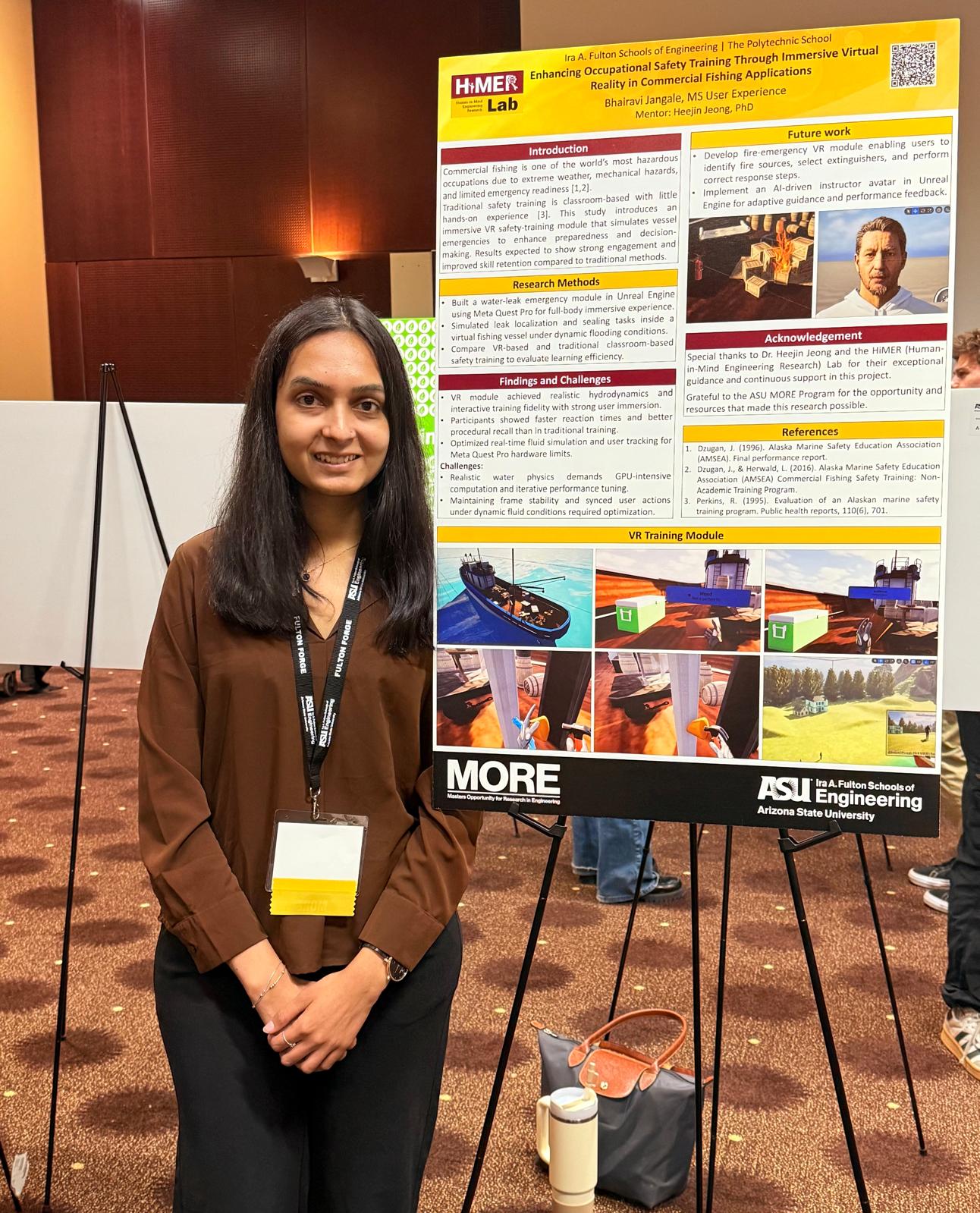
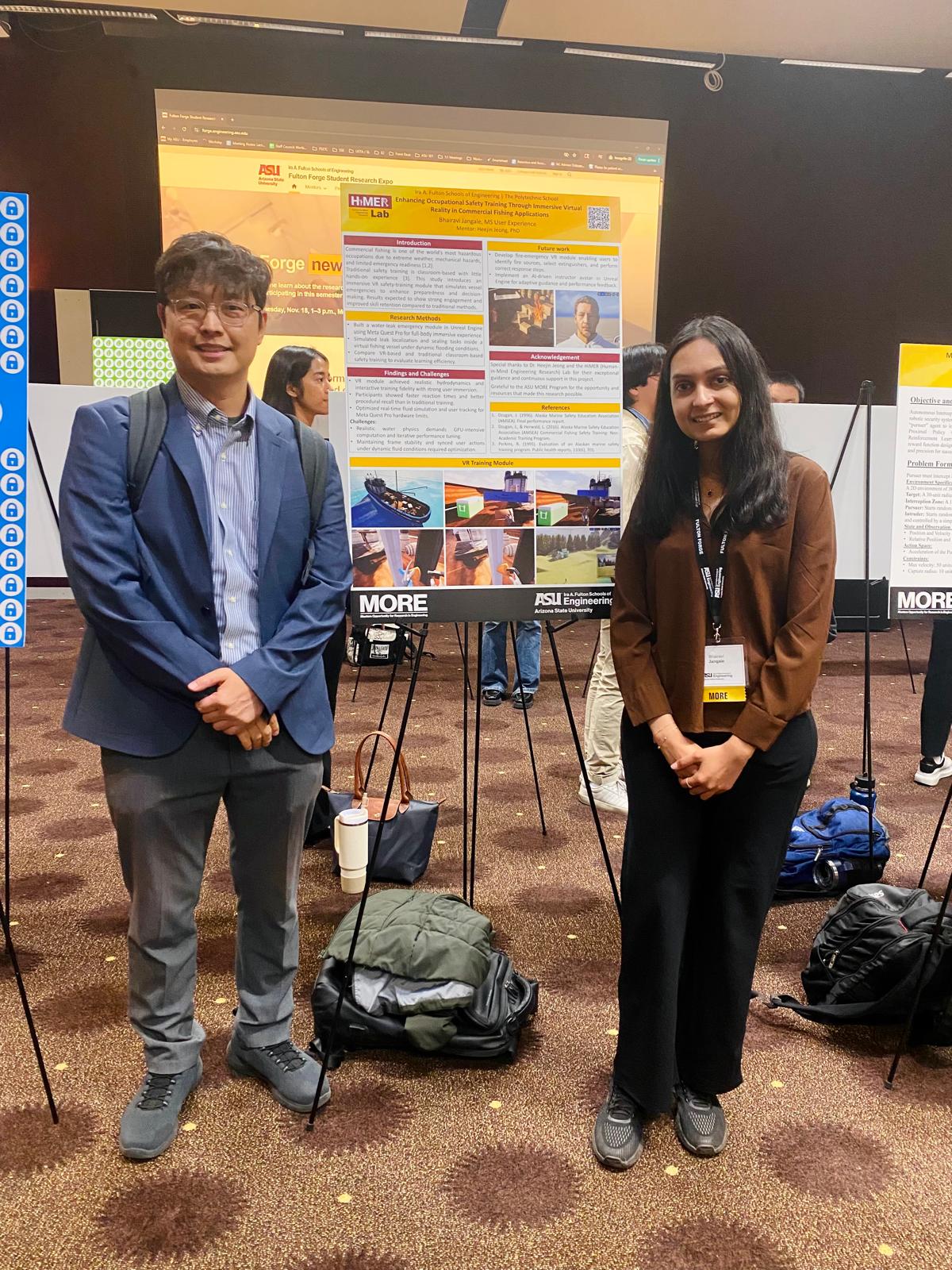
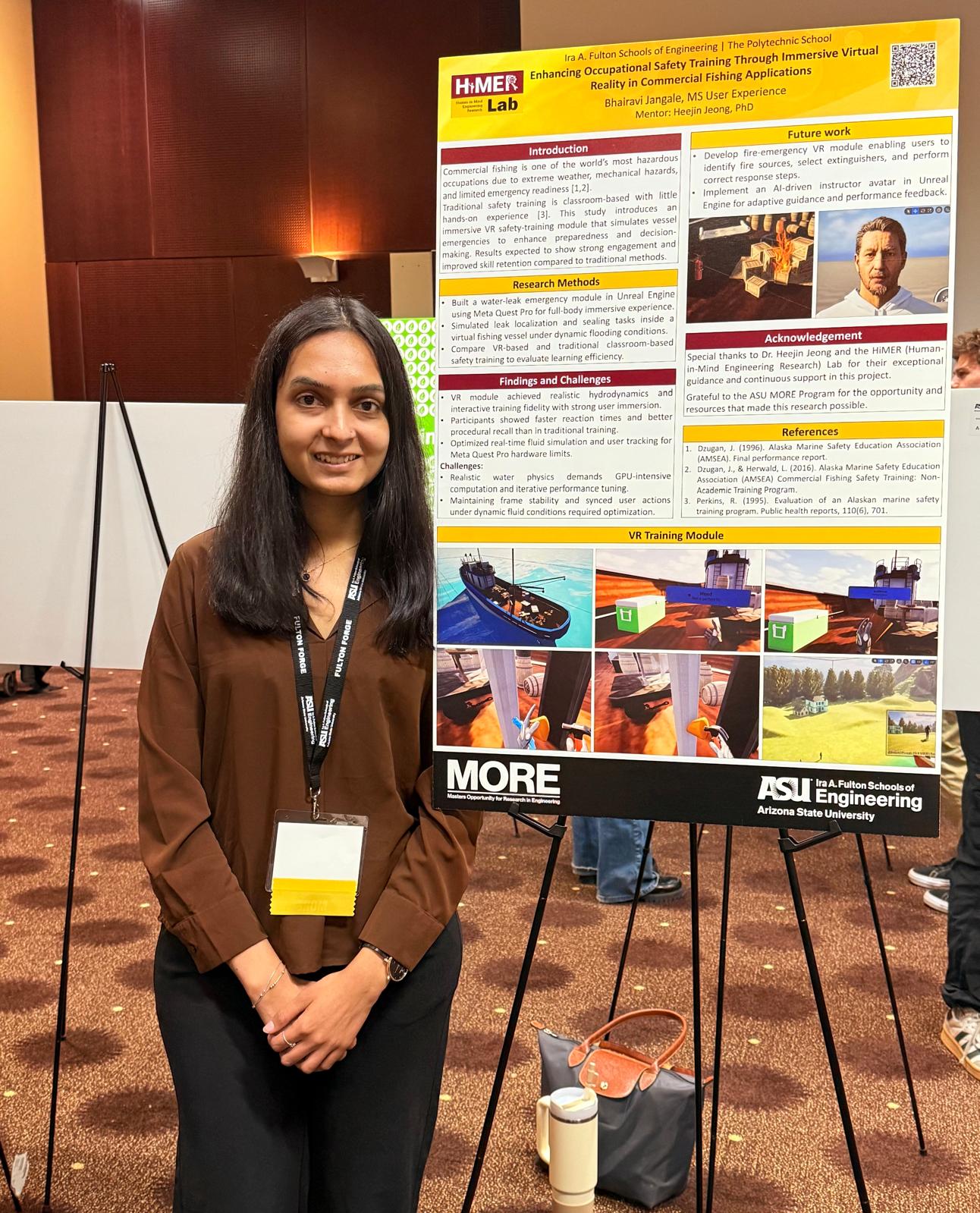
Poster Presentation
Presenting the research findings and VR prototype at the academic poster session, showcasing the design process, methodology, and key outcomes to faculty and peers.
What I learned from this project
Design Insight
Contextual guidance doesn't break immersion when it is designed as part of the environment, not pasted on top of it. The timing and placement of cues matters as much as their content.
Research Insight
Small sample sizes (n=8 per group) can still produce rigorous results when the right statistical tests are chosen and the effect sizes are meaningful. The W=0 results here are about as clean as it gets.
Product Thinking
The three-panel spatial HUD, real-time metrics, and safety checklist integration all point to a bigger opportunity: this system shows strong potential as a promising complement to traditional drill-based programs like AMSEA for scalable maritime safety training.
What I would push further
The study sample was young (mean 25.4 years) and controlled. Real commercial fishing crews are older, more experienced, and operating in far messier conditions. Future iterations need to test with actual fishing industry workers, in noisier environments, with real fatigue factors. The design should hold up there too, or it needs to change.
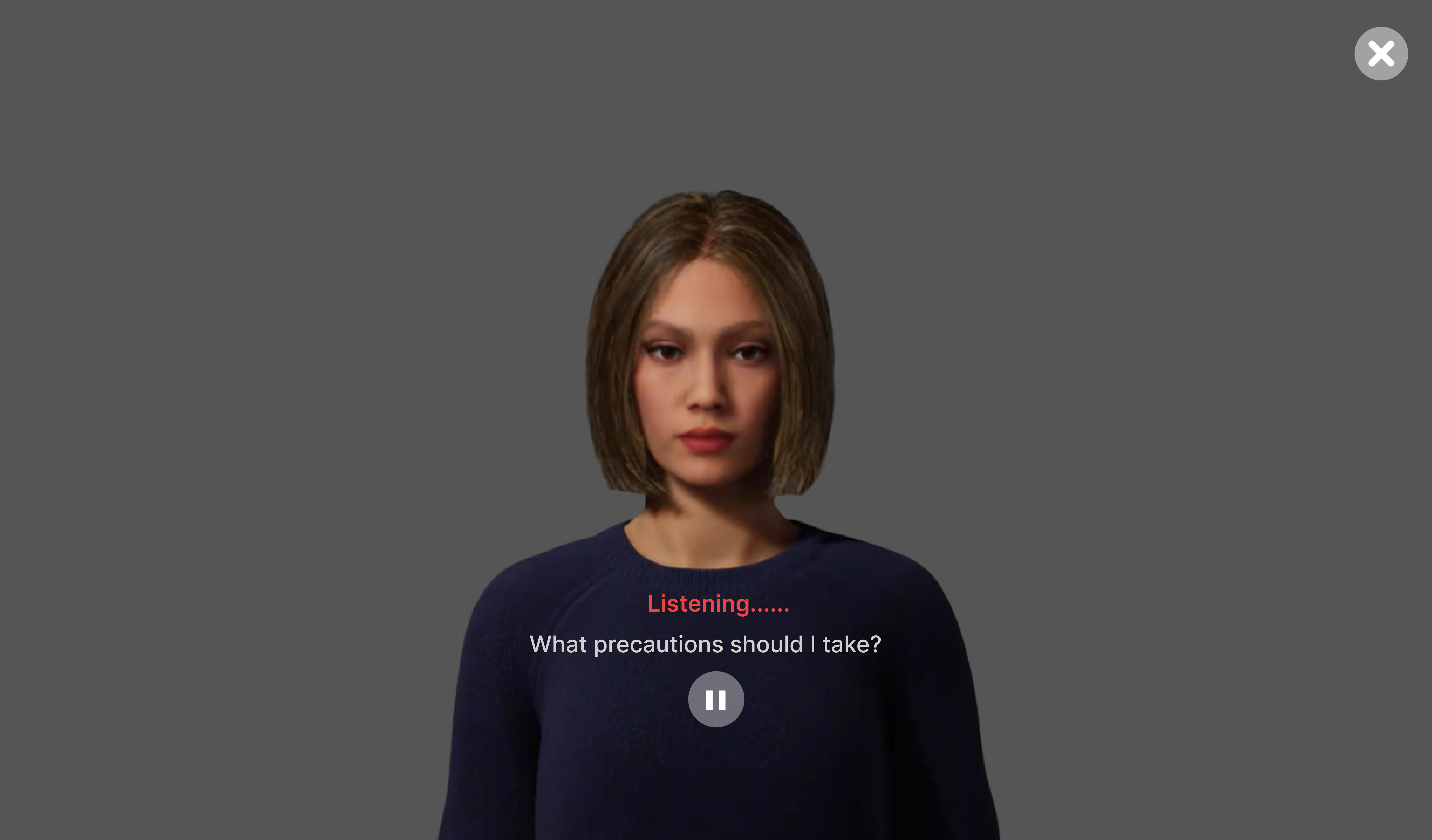
I would also explore adaptive guidance: rather than fixed text cues, an AI-driven instructor could modulate the level of guidance in real-time based on the trainee's performance, adapting to both experts and beginners within the same session.